
表单
Slider
简介
滑块(Slider)组件允许你通过滑动选择一个或多个数值:
use Filament\Forms\Components\Slider;

Slider::make('slider')
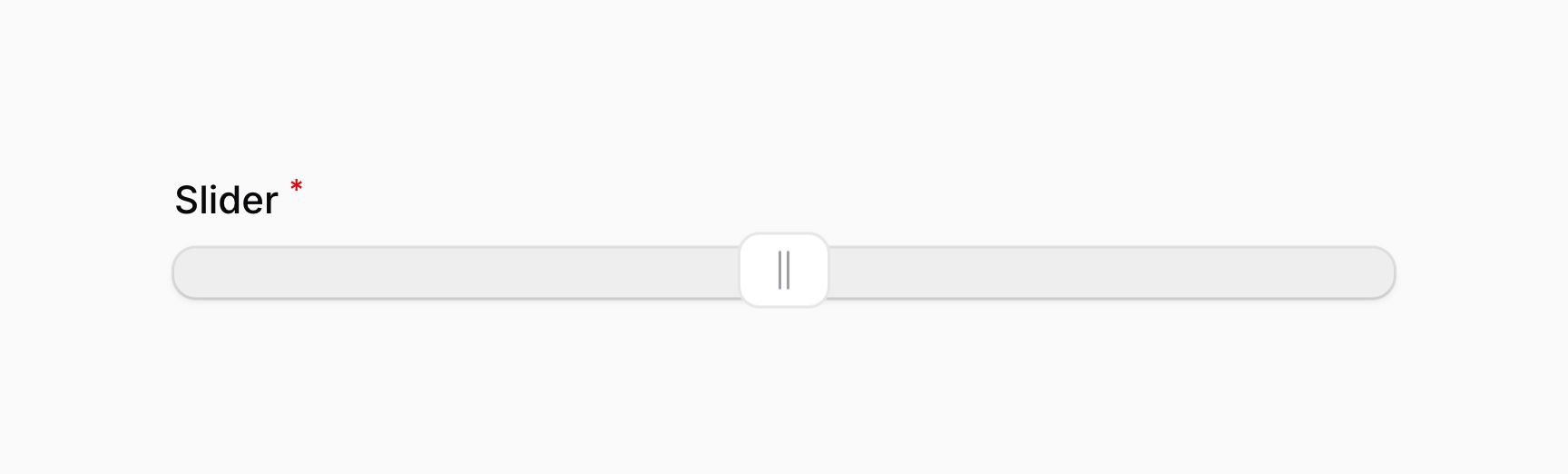

该组件使用了 noUiSlider 包,其中的很多 API 也是基于该库。
NOTE
由于其性质,滑块字段永远不会为空。字段值永远不能为 null 或空数组。如果滑块字段为空,则用户将没有能在轨道上拖动的控制柄。
因此,滑块字段有一个开箱即用的默认值,该值设置为滑块的范围中允许的最小值。默认值在表单为空时使用,例如在资源的“新建”页面上。要了解有关默认值的更多信息,请查看 default() 文档。
控制滑块范围
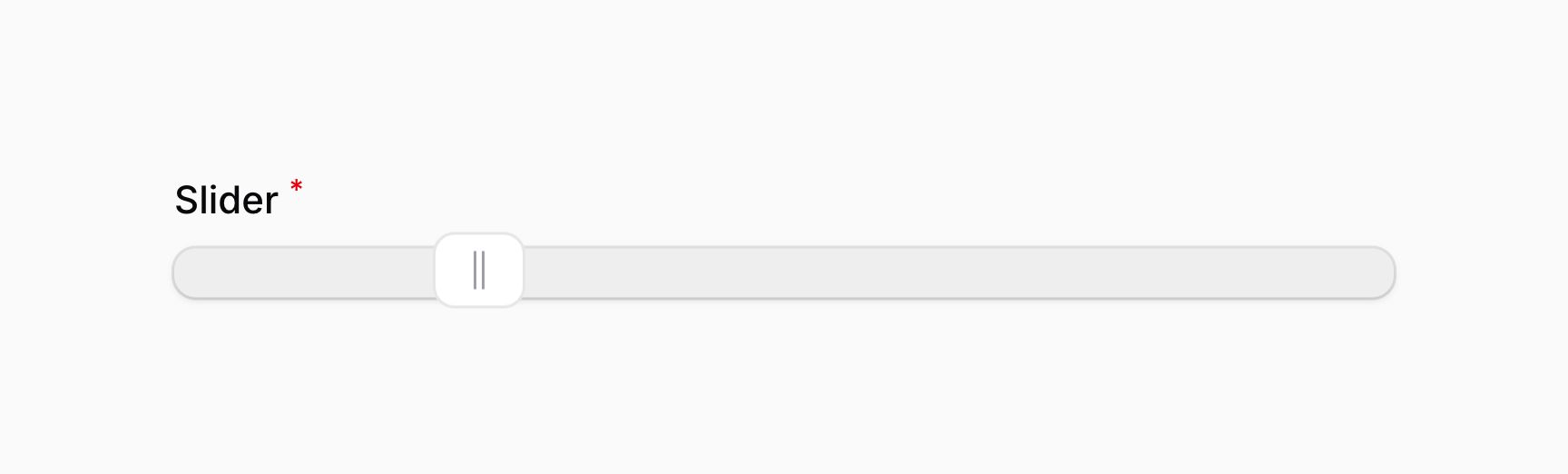
滑块默认可选的最小值和最大值为 0 和 100。Filament 将会自动应用验证规则以确保用户不会超出这些值。你可以使用 range() 方法对其进行修改:
use Filament\Forms\Components\Slider;

Slider::make('slider')
    ->range(minValue: 40, maxValue: 80)
除了静态值外,range() 方法同时也接受通过函数动态设置其值。你可以将各种 utility 作为参数注入到该函数中。
Learn more about utility injection.
| Utility | Type | Parameter | Description |
|---|---|---|---|
| Field | Filament\Forms\Components\Field | $component | The current field component instance. |
| Get function | Filament\Schemas\Components\Utilities\Get | $get | A function for retrieving values from the current form data. Validation is not run. |
| Livewire | Livewire\Component | $livewire | The Livewire component instance. |
| Eloquent model FQN | ?string<Illuminate\Database\Eloquent\Model> | $model | The Eloquent model FQN for the current schema. |
| Operation | string | $operation | The current operation being performed by the schema. Usually create, edit, or view. |
| Raw state | mixed | $rawState | The current value of the field, before state casts were applied. Validation is not run. |
| Eloquent record | ?Illuminate\Database\Eloquent\Model | $record | The Eloquent record for the current schema. |
| State | mixed | $state | The current value of the field. Validation is not run. |
控制步长
默认情况下,用户可以选择最小值和最大值之间的任何十进制值。你可以使用 step() 方法将值限制为特定的步长。Filament 将自动应用验证规则,以确保用户不能偏离此步长:
use Filament\Forms\Components\Slider;

Slider::make('slider')
    ->range(minValue: 0, maxValue: 100)
    ->step(10)
除了静态值外,step() 方法同时也接受通过函数动态设置其值。你可以将各种 utility 作为参数注入到该函数中。
Learn more about utility injection.
| Utility | Type | Parameter | Description |
|---|---|---|---|
| Field | Filament\Forms\Components\Field | $component | The current field component instance. |
| Get function | Filament\Schemas\Components\Utilities\Get | $get | A function for retrieving values from the current form data. Validation is not run. |
| Livewire | Livewire\Component | $livewire | The Livewire component instance. |
| Eloquent model FQN | ?string<Illuminate\Database\Eloquent\Model> | $model | The Eloquent model FQN for the current schema. |
| Operation | string | $operation | The current operation being performed by the schema. Usually create, edit, or view. |
| Raw state | mixed | $rawState | The current value of the field, before state casts were applied. Validation is not run. |
| Eloquent record | ?Illuminate\Database\Eloquent\Model | $record | The Eloquent record for the current schema. |
| State | mixed | $state | The current value of the field. Validation is not run. |
限制小数位数
如果你希望允许用户选择最小值和最大值之间的任何十进制值,而不是将它们限制在特定的步长内,你可以定义一个小数位数,使用 decimalPlaces() 方法将其所选值四舍五入:
use Filament\Forms\Components\Slider;

Slider::make('slider')
    ->range(minValue: 0, maxValue: 100)
    ->decimalPlaces(2)
除了静态值外,decimalPlaces() 方法同时也接受通过函数动态设置其值。你可以将各种 utility 作为参数注入到该函数中。
Learn more about utility injection.
| Utility | Type | Parameter | Description |
|---|---|---|---|
| Field | Filament\Forms\Components\Field | $component | The current field component instance. |
| Get function | Filament\Schemas\Components\Utilities\Get | $get | A function for retrieving values from the current form data. Validation is not run. |
| Livewire | Livewire\Component | $livewire | The Livewire component instance. |
| Eloquent model FQN | ?string<Illuminate\Database\Eloquent\Model> | $model | The Eloquent model FQN for the current schema. |
| Operation | string | $operation | The current operation being performed by the schema. Usually create, edit, or view. |
| Raw state | mixed | $rawState | The current value of the field, before state casts were applied. Validation is not run. |
| Eloquent record | ?Illuminate\Database\Eloquent\Model | $record | The Eloquent record for the current schema. |
| State | mixed | $state | The current value of the field. Validation is not run. |
控制轨道的行为内边距
默认情况下,用户可以选择该轨道整个长度的任何值。你可以使用 rangePadding() 方法,为轨道添加行为内边距。这可以确保选中的值总是与轨道边缘保持一定距离。Filament 默认应用到该滑块的最大最小值验证会将该内边距计算在内,以确保用户不会超过边距范围:
use Filament\Forms\Components\Slider;

Slider::make('slider')
    ->range(minValue: 0, maxValue: 100)
    ->rangePadding(10)
除了允许静态值之外,rangePadding() 方法也接受函数来动态计算其值。你可以将各种 utility 作为参数注入到函数中。
Learn more about utility injection.
| Utility | Type | Parameter | Description |
|---|---|---|---|
| Field | Filament\Forms\Components\Field | $component | The current field component instance. |
| Get function | Filament\Schemas\Components\Utilities\Get | $get | A function for retrieving values from the current form data. Validation is not run. |
| Livewire | Livewire\Component | $livewire | The Livewire component instance. |
| Eloquent model FQN | ?string<Illuminate\Database\Eloquent\Model> | $model | The Eloquent model FQN for the current schema. |
| Operation | string | $operation | The current operation being performed by the schema. Usually create, edit, or view. |
| Raw state | mixed | $rawState | The current value of the field, before state casts were applied. Validation is not run. |
| Eloquent record | ?Illuminate\Database\Eloquent\Model | $record | The Eloquent record for the current schema. |
| State | mixed | $state | The current value of the field. Validation is not run. |
此示例中,即使最小值为 0,最大值为 100,用户也只能选择 10 到 90 之间的值。内边距(padding)将应用于轨道的两端,因此所选值始终距离轨道边缘至少 10 个单位。
如果你想分别控制轨道两侧的内边距,可以将一个包含两个值的数组传递给 rangePadding() 方法。第一个值将应用于轨道的起始位置,第二个值将应用于轨道的结束位置:
use Filament\Forms\Components\Slider;

Slider::make('slider')
    ->range(minValue: 0, maxValue: 100)
    ->rangePadding([10, 20])
右向左轨道
默认情况下,轨道操作为从左向右。如果用户使用的是右向左的区域语言(比如,阿拉伯语),轨道将会自动显示成右向左。你也可以使用 rtl() 方法强制轨道显示成右向左:
use Filament\Forms\Components\Slider;

Slider::make('slider')
    ->range(minValue: 0, maxValue: 100)
    ->rtl()
此外,你也可以传入布尔值用以控制滑块(Slider)是否为从右到左:
use Filament\Forms\Components\Slider;

Slider::make('slider')
    ->range(minValue: 0, maxValue: 100)
    ->rtl(FeatureFlag::active())
除了允许静态值之外,rtl() 方法也接受函数来动态计算其值。你可以将各种 utility 作为参数注入到函数中。
Learn more about utility injection.
| Utility | Type | Parameter | Description |
|---|---|---|---|
| Field | Filament\Forms\Components\Field | $component | The current field component instance. |
| Get function | Filament\Schemas\Components\Utilities\Get | $get | A function for retrieving values from the current form data. Validation is not run. |
| Livewire | Livewire\Component | $livewire | The Livewire component instance. |
| Eloquent model FQN | ?string<Illuminate\Database\Eloquent\Model> | $model | The Eloquent model FQN for the current schema. |
| Operation | string | $operation | The current operation being performed by the schema. Usually create, edit, or view. |
| Raw state | mixed | $rawState | The current value of the field, before state casts were applied. Validation is not run. |
| Eloquent record | ?Illuminate\Database\Eloquent\Model | $record | The Eloquent record for the current schema. |
| State | mixed | $state | The current value of the field. Validation is not run. |
向 Slider 添加多个值
如果 Slider 设置为值数组,用户将能够在允许的范围内拖动多个滑块。请确保滑块的 default() 值 设置为值数组,以便在表单为空时使用:
use Filament\Forms\Components\Slider;

Slider::make('slider')
    ->range(minValue: 0, maxValue: 100)
    ->default([20, 70])
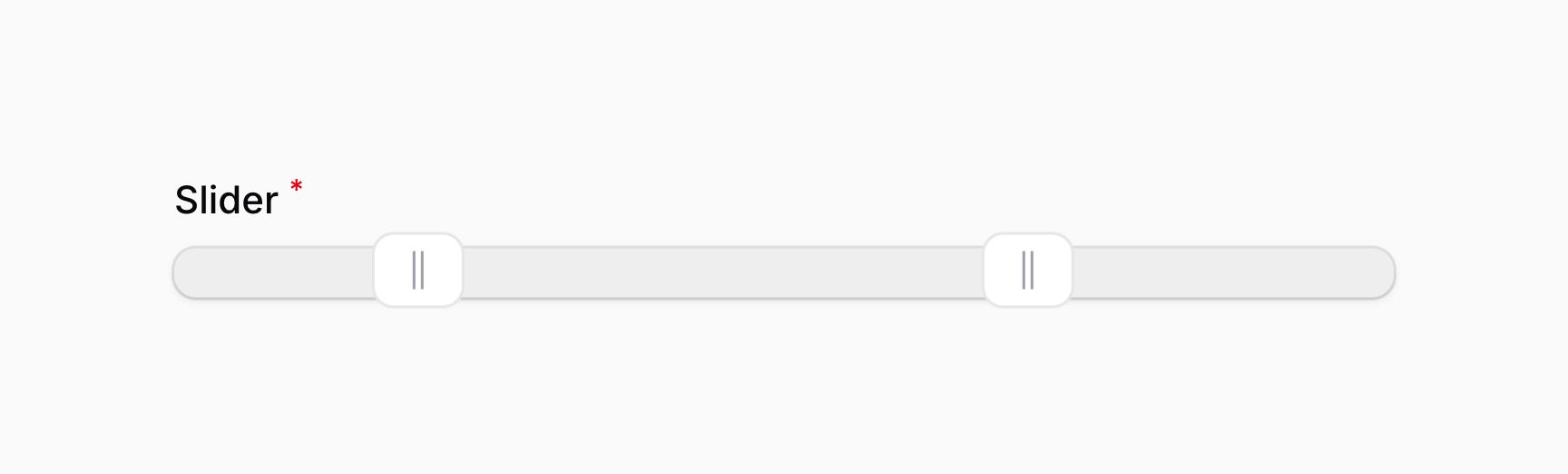
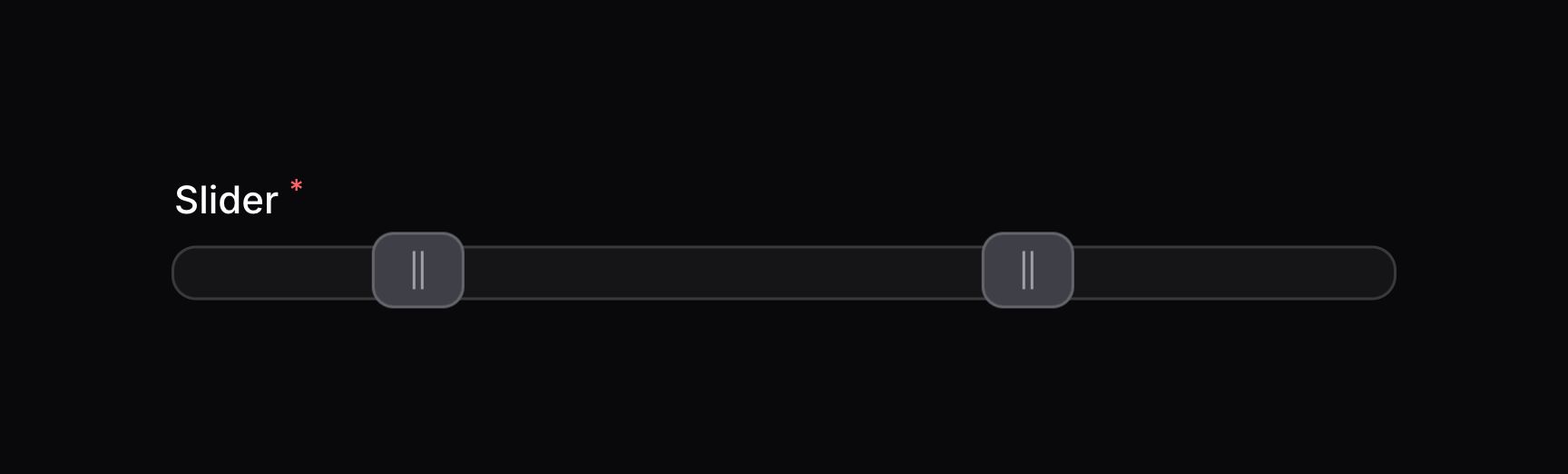
如果你使用 Eloquent 报错多个值,你应该确保添加 array cast到该模型属性中:
use Illuminate\Database\Eloquent\Model;

class Post extends Model
{
    protected $casts = [
        'slider' => 'array',
    ];

    // ...
}
使用垂直轨道
你可以将 Slider 显示为垂直轨道而不是水平轨道,请使用 vertical() 方法:
use Filament\Forms\Components\Slider;

Slider::make('slider')
    ->range(minValue: 0, maxValue: 100)
    ->vertical()
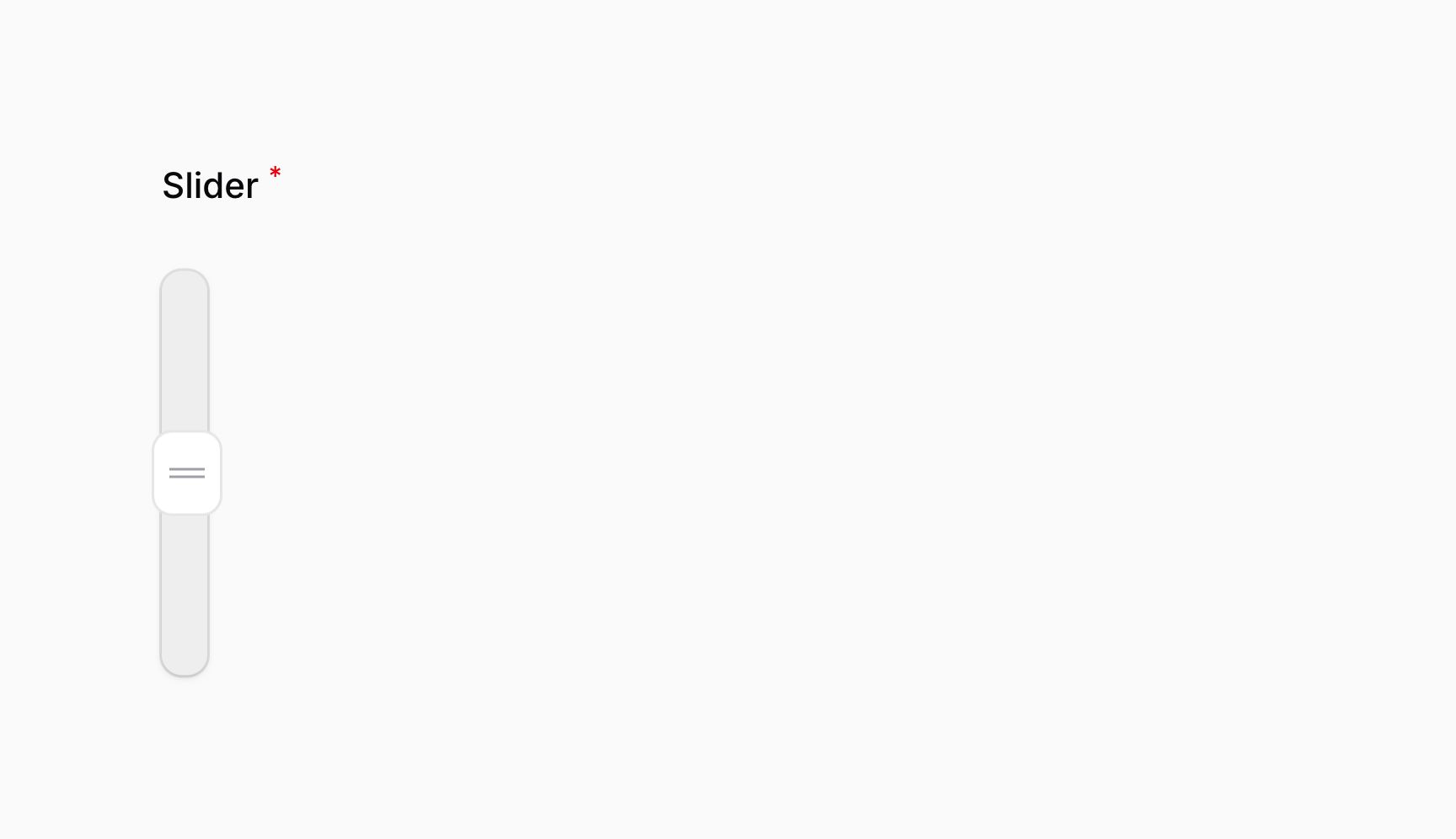

此外,你也可以传入布尔值用以控制滑块是否垂直:
use Filament\Forms\Components\Slider;

Slider::make('slider')
    ->range(minValue: 0, maxValue: 100)
    ->vertical(FeatureFlag::active())
除了允许静态值之外,vertical() 方法也接受函数来动态计算其值。你可以将各种 utility 作为参数注入到函数中。
Learn more about utility injection.
| Utility | Type | Parameter | Description |
|---|---|---|---|
| Field | Filament\Forms\Components\Field | $component | The current field component instance. |
| Get function | Filament\Schemas\Components\Utilities\Get | $get | A function for retrieving values from the current form data. Validation is not run. |
| Livewire | Livewire\Component | $livewire | The Livewire component instance. |
| Eloquent model FQN | ?string<Illuminate\Database\Eloquent\Model> | $model | The Eloquent model FQN for the current schema. |
| Operation | string | $operation | The current operation being performed by the schema. Usually create, edit, or view. |
| Raw state | mixed | $rawState | The current value of the field, before state casts were applied. Validation is not run. |
| Eloquent record | ?Illuminate\Database\Eloquent\Model | $record | The Eloquent record for the current schema. |
| State | mixed | $state | The current value of the field. Validation is not run. |
上到下轨道
默认情况下,垂直轨道操作为下到上。在 noUiSlider 中,这是右向左行为。你可以使用 rtl(false) 方法,将最小值赋值给轨道的顶部:
use Filament\Forms\Components\Slider;

Slider::make('slider')
    ->range(minValue: 0, maxValue: 100)
    ->vertical()
    ->rtl(false)
手柄上添加提示语
使用 tooltips() 方法,你可以在滑块的手柄上添加 tooltip 提示语。该提示语将显示当前手柄值:
use Filament\Forms\Components\Slider;

Slider::make('slider')
    ->range(minValue: 0, maxValue: 100)
    ->tooltips()
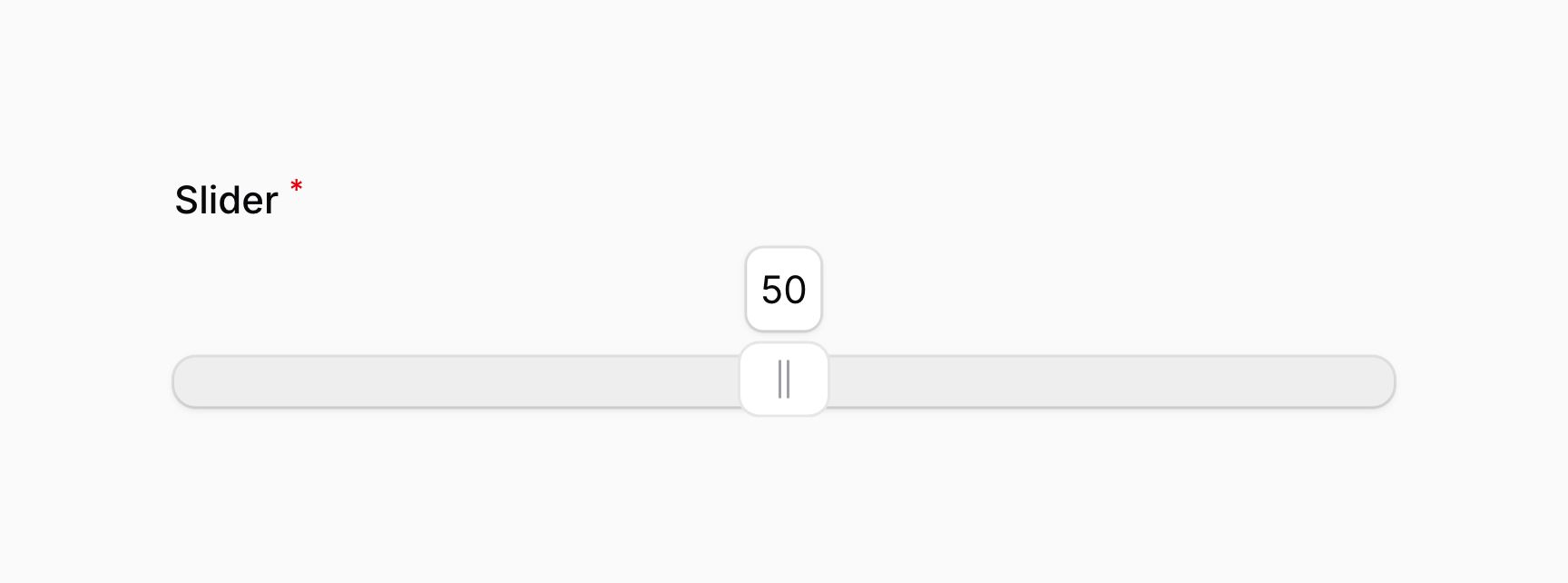

此外,你可以传入一个布尔值,用以控制该滑块是否应该有提示语:
use Filament\Forms\Components\Slider;

Slider::make('slider')
    ->range(minValue: 0, maxValue: 100)
    ->tooltips(FeatureFlag::active())
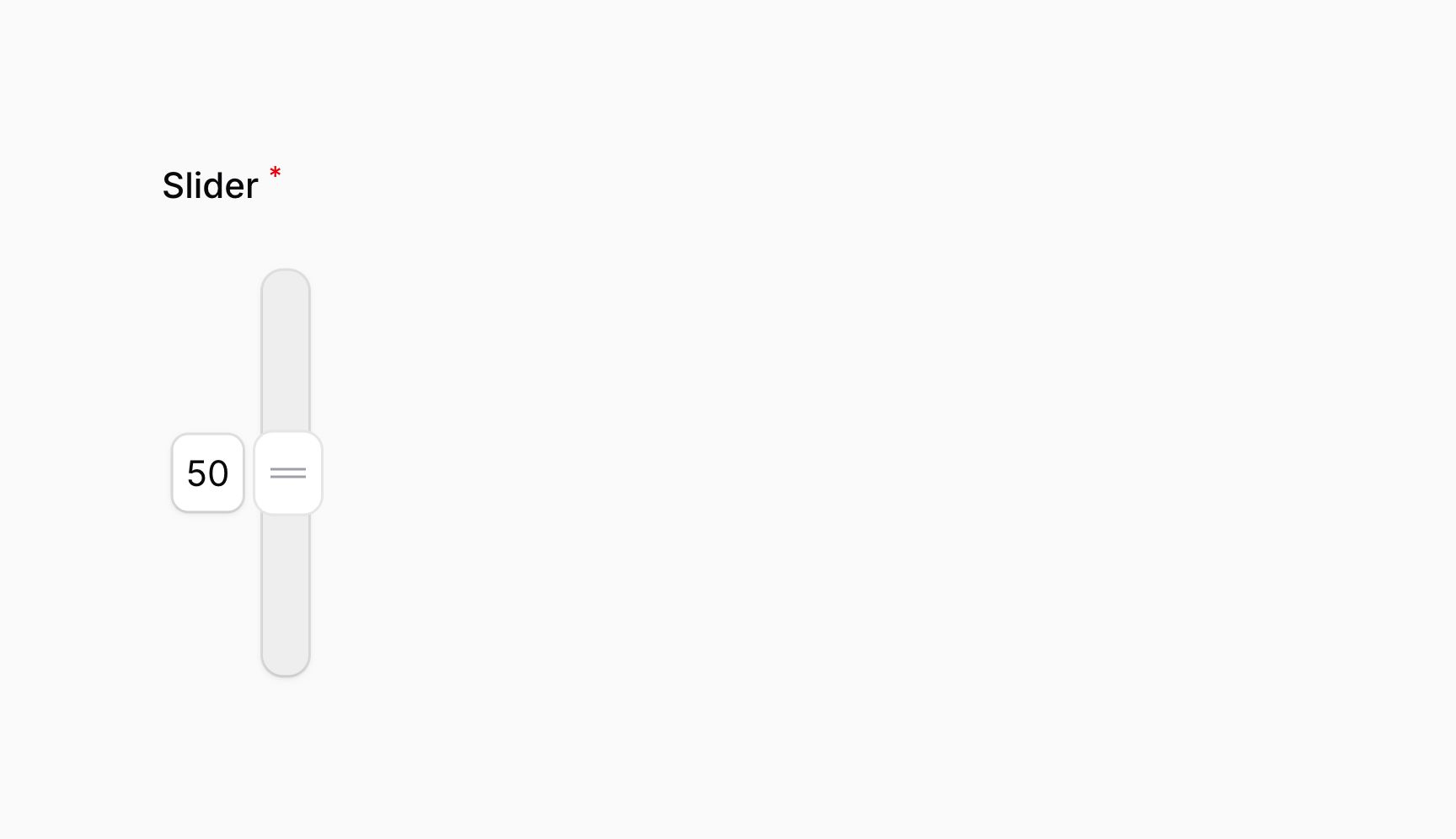
使用多个手柄时,会显示多个提示语,每个手柄一个。提示语对垂直轨道同样有效。

自定义 Tooltip 格式化
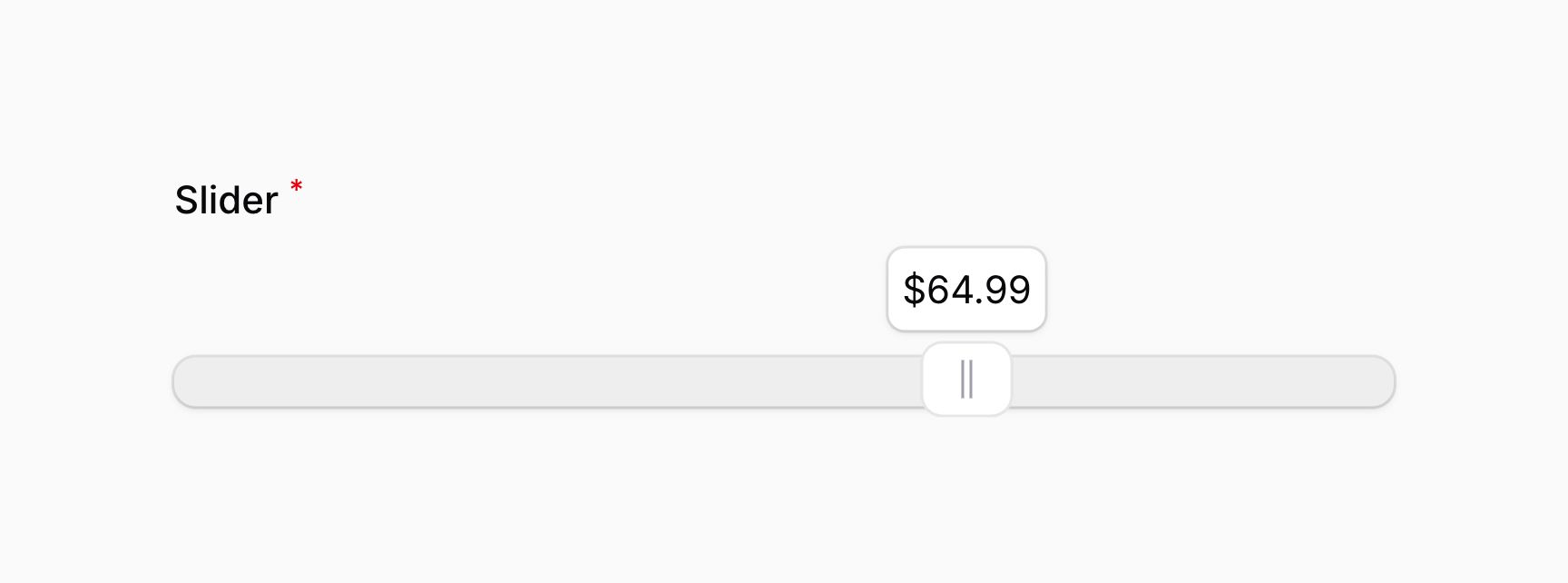
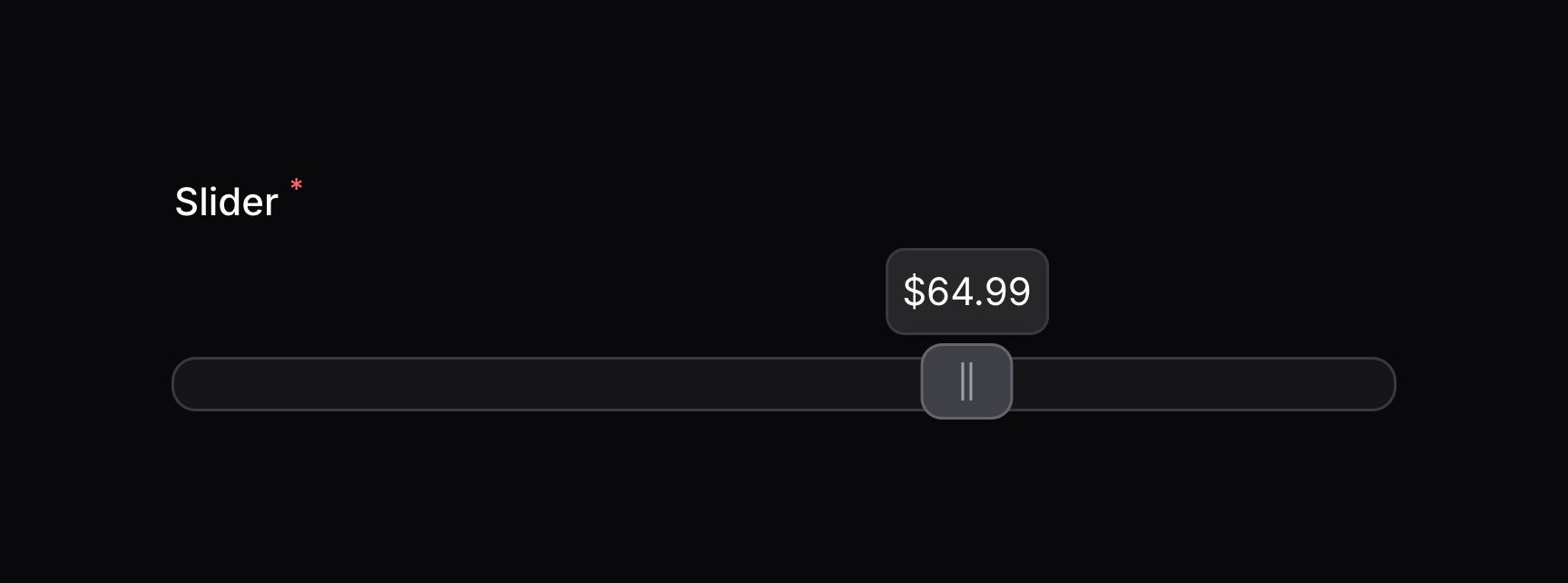
你可以使用 JavaScript 自定义 tooltip 的格式。将 RawJs 对象传入到 tooltips() 方法,使之包含要使用的 JavaScript 字符串表达式。要格式化的当前值可以使用 $value 变量获取:
use Filament\Forms\Components\Slider;
use Filament\Support\RawJs;

Slider::make('slider')
    ->range(minValue: 0, maxValue: 100)
    ->tooltips(RawJs::make(<<<'JS'
        `$${$value.toFixed(2)}`
        JS))
分别控制多个手柄的 Tooltips
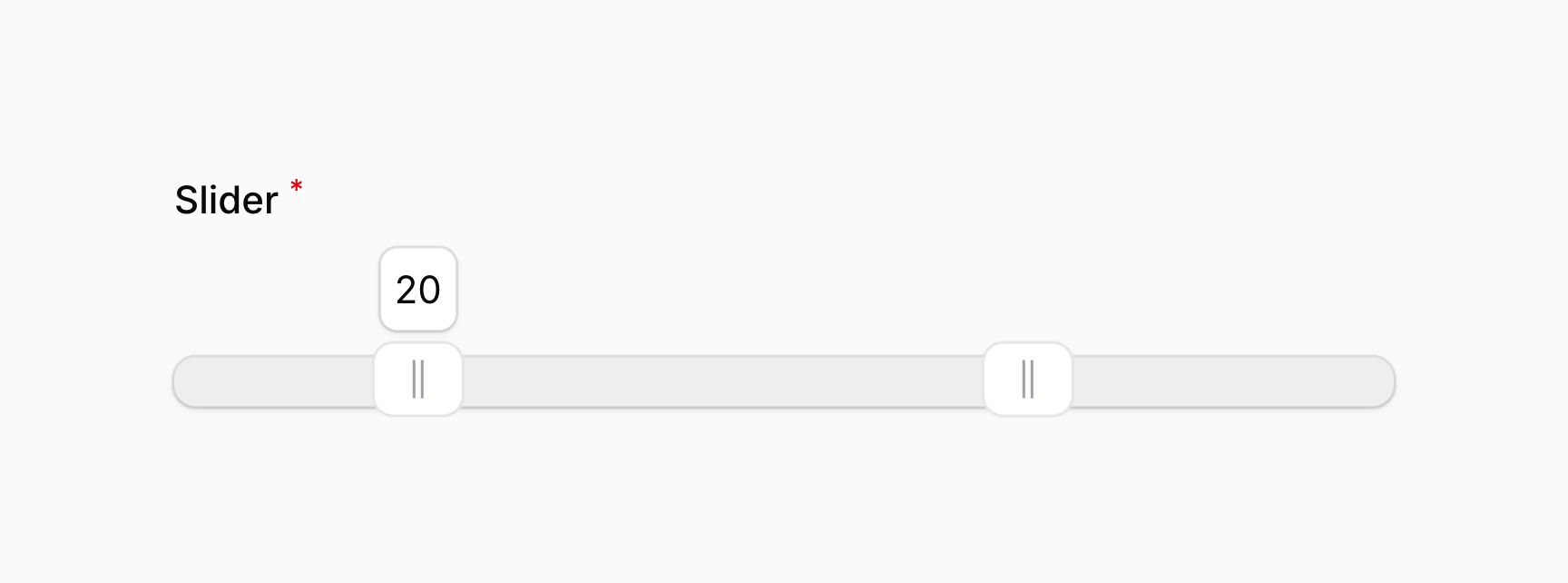
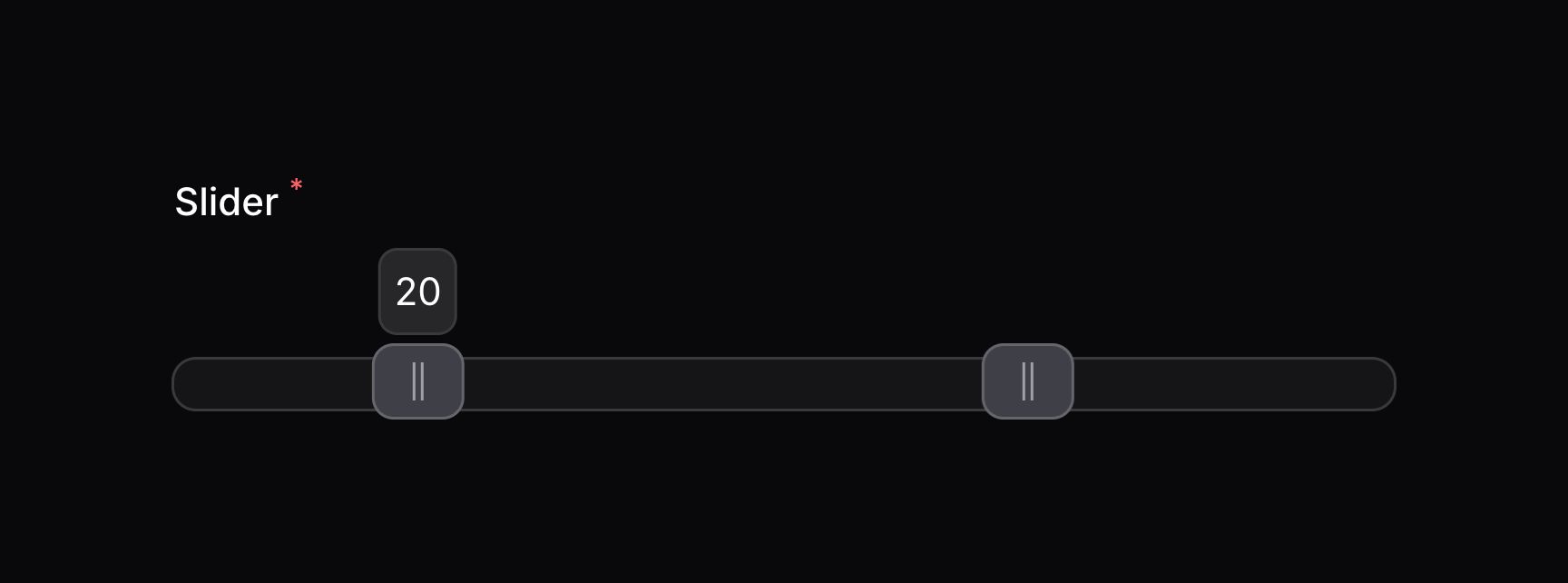
如果滑块设置为值数组,你可以传入一个值数组到 tooltips() 方法,分别控制每个手柄的 tooltip。第一个值应用于第一个手柄,第二个值对应于第二个手柄,以此类推:
use Filament\Forms\Components\Slider;

Slider::make('slider')
    ->range(minValue: 0, maxValue: 100)
    ->tooltips([true, false])
使用颜色填充轨道
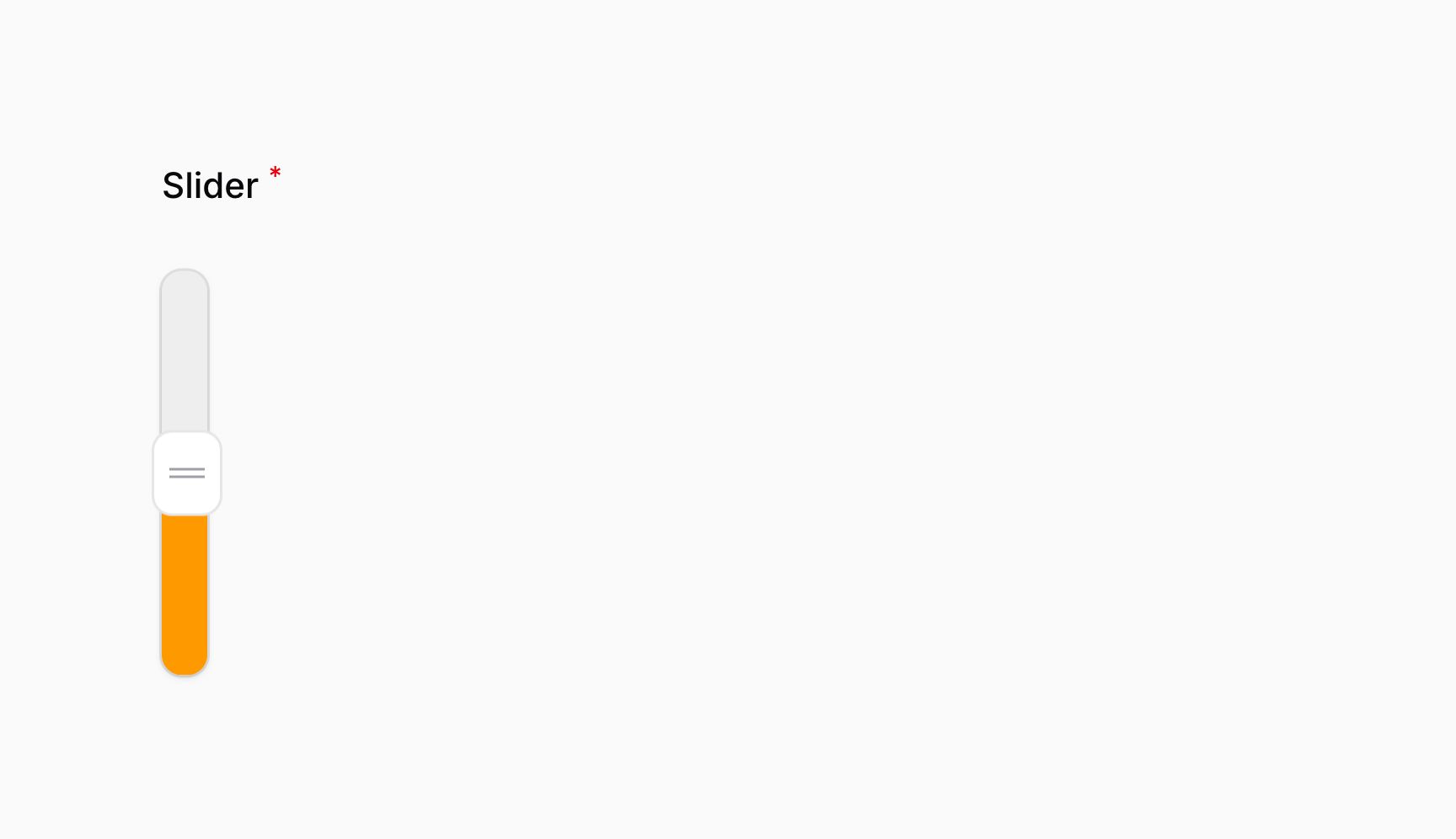
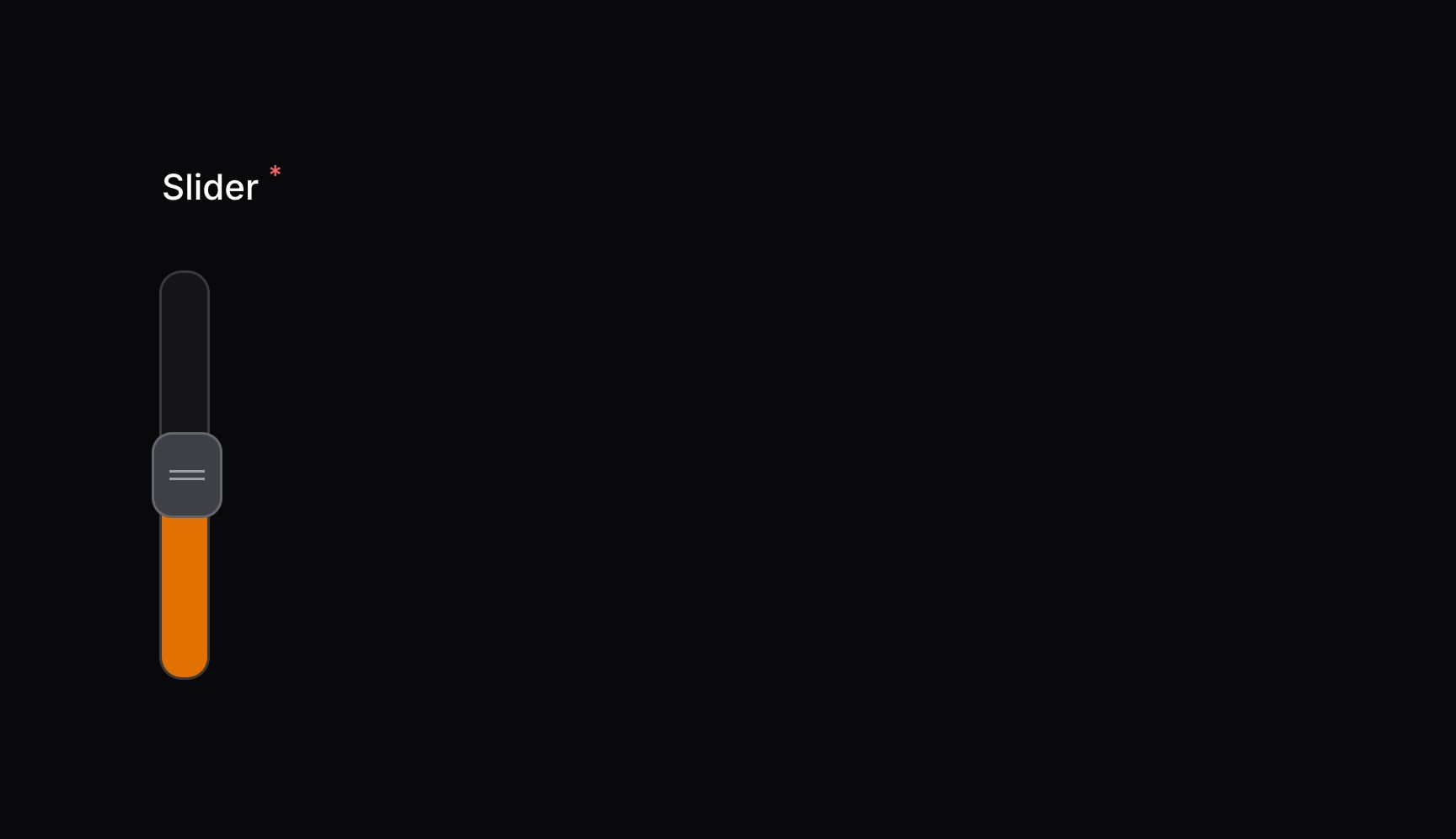
默认情况下,轨道的颜色不会被手柄的位置影响。当使用单个手柄时,使用 fillTrack() 方法,你可以使用颜色填充手柄之前的轨道部分:
use Filament\Forms\Components\Slider;

Slider::make('slider')
    ->range(minValue: 0, maxValue: 100)
    ->fillTrack()
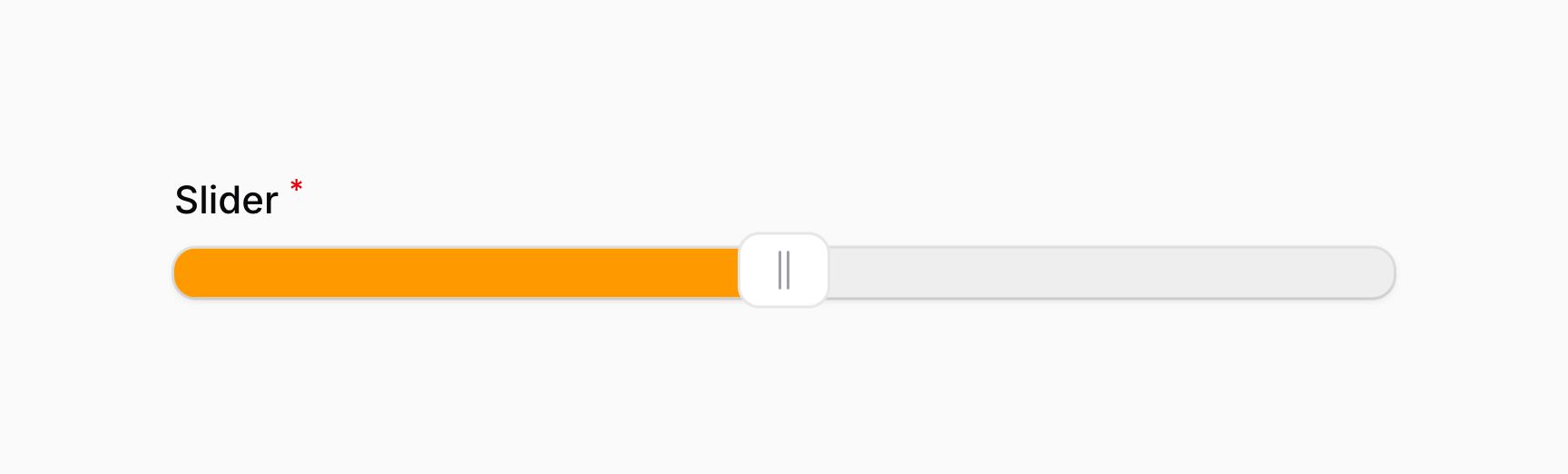
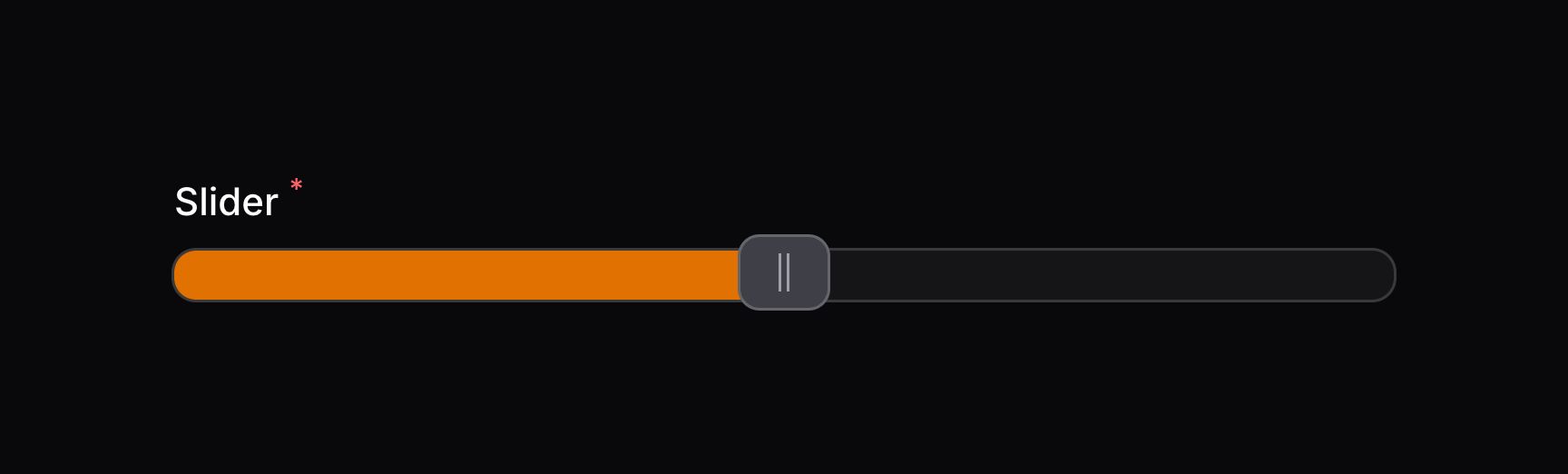
此外,你也可以传入布尔值用以控制滑块是否该被填充:
use Filament\Forms\Components\Slider;

Slider::make('slider')
    ->range(minValue: 0, maxValue: 100)
    ->fillTrack(FeatureFlag::active())
除了允许静态值之外,fillTrack() 方法也接受函数来动态计算其值。你可以将各种 utility 作为参数注入到函数中。
Learn more about utility injection.
| Utility | Type | Parameter | Description |
|---|---|---|---|
| Field | Filament\Forms\Components\Field | $component | The current field component instance. |
| Get function | Filament\Schemas\Components\Utilities\Get | $get | A function for retrieving values from the current form data. Validation is not run. |
| Livewire | Livewire\Component | $livewire | The Livewire component instance. |
| Eloquent model FQN | ?string<Illuminate\Database\Eloquent\Model> | $model | The Eloquent model FQN for the current schema. |
| Operation | string | $operation | The current operation being performed by the schema. Usually create, edit, or view. |
| Raw state | mixed | $rawState | The current value of the field, before state casts were applied. Validation is not run. |
| Eloquent record | ?Illuminate\Database\Eloquent\Model | $record | The Eloquent record for the current schema. |
| State | mixed | $state | The current value of the field. Validation is not run. |
当使用多个手柄时,你必须传入一个 true 和 false 值数组,手动指定应该填充轨道的哪一部分,每个值对应一个区域。值的总数应该比手柄值多一个。第一个值对应于第一个手柄之前的区域,第二个值将应用到第一个手柄和第二个手柄之间的区域,以此类推:
use Filament\Forms\Components\Slider;

Slider::make('slider')
    ->range(minValue: 0, maxValue: 100)
    ->fillTrack([false, true, false])
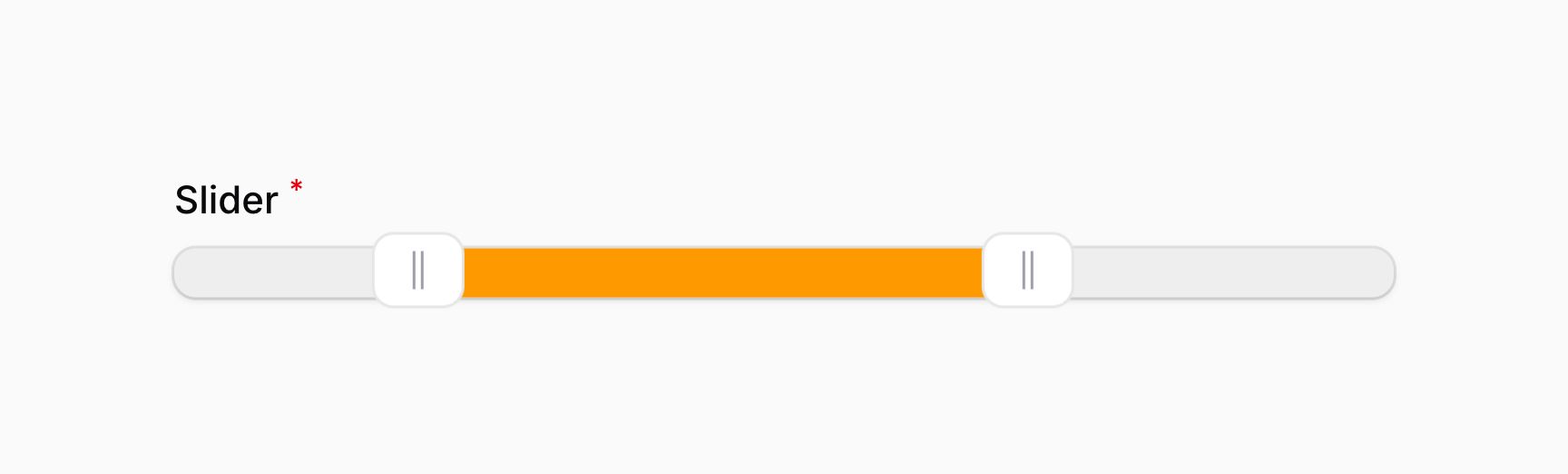
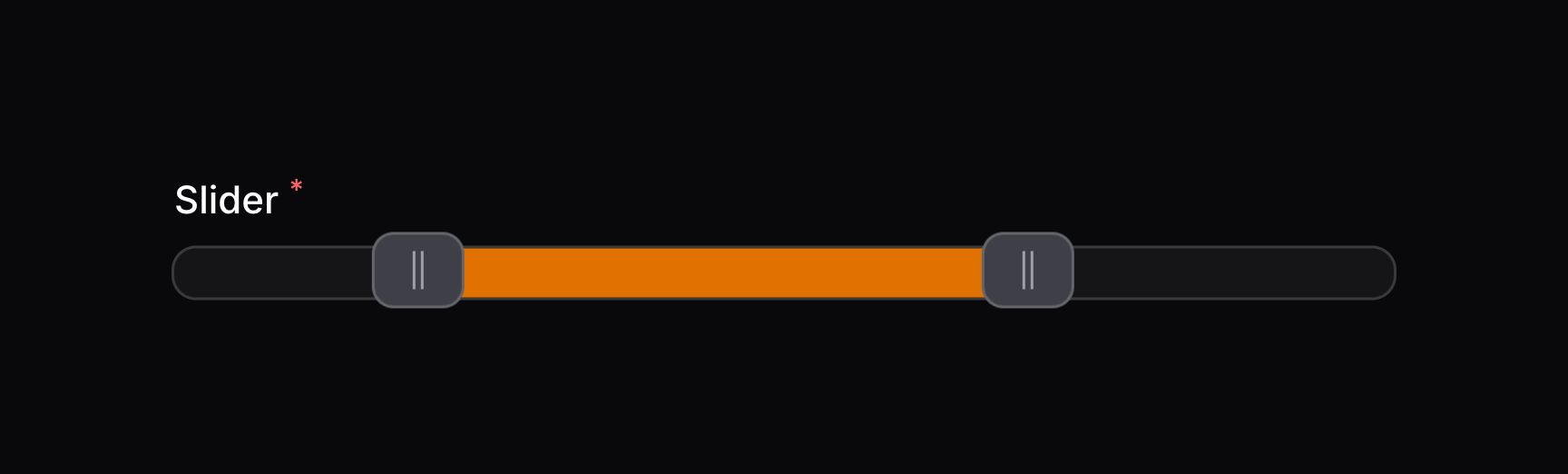
颜色填充同样使用与垂直轨道:
添加刻度到轨道中
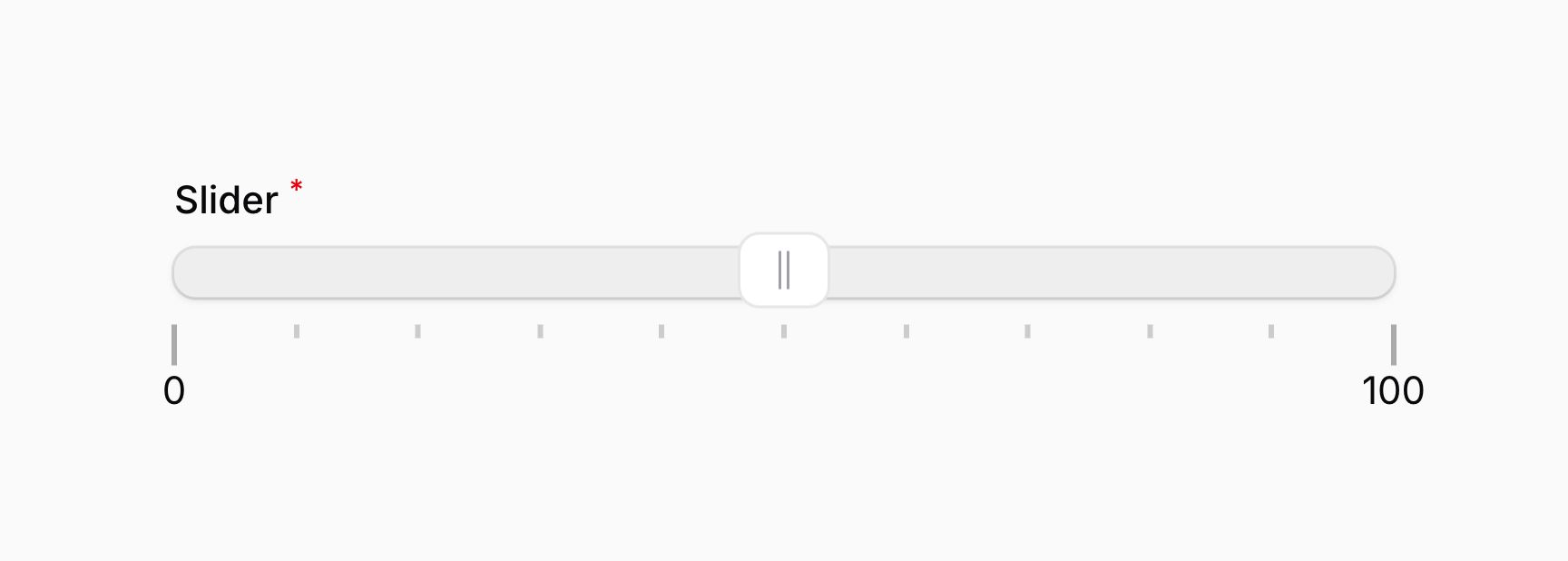
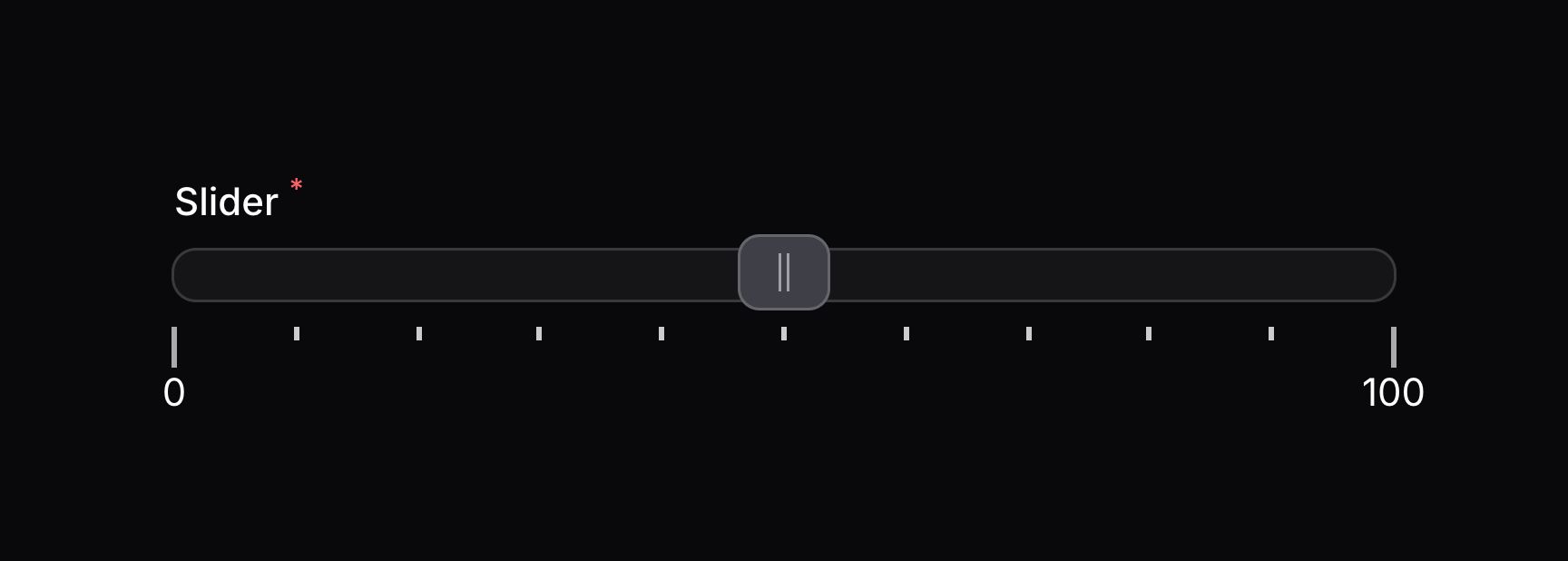
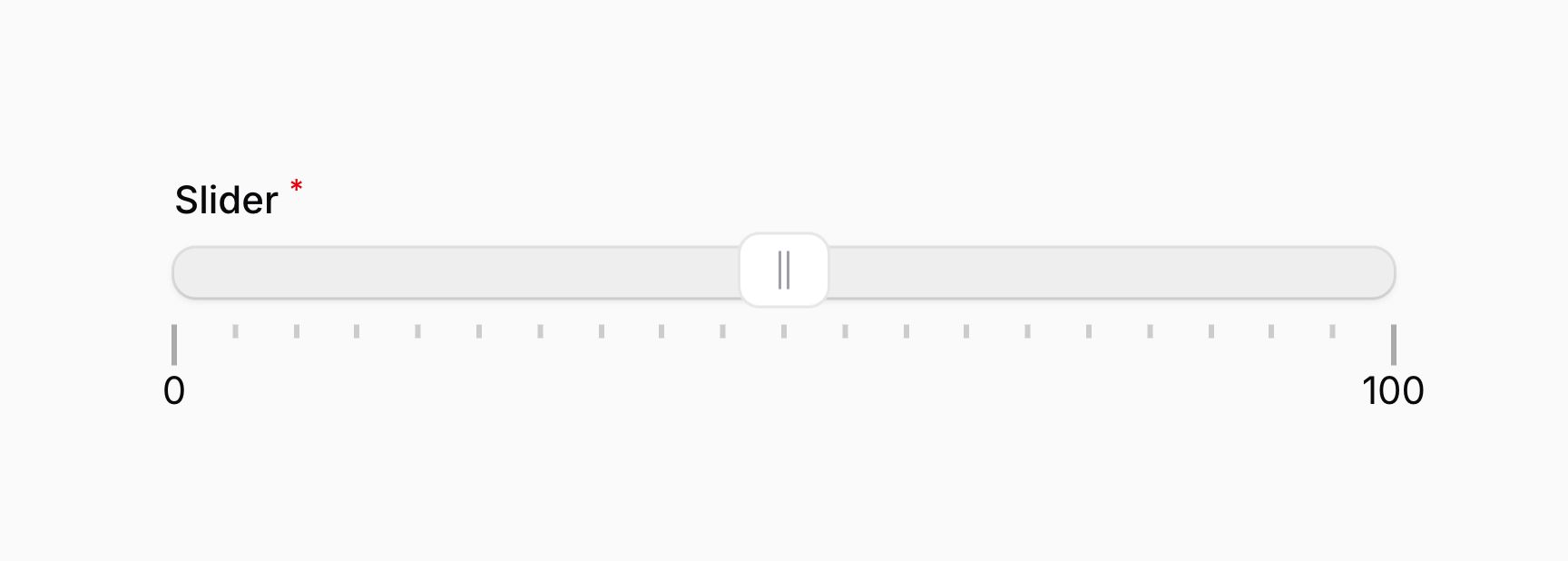
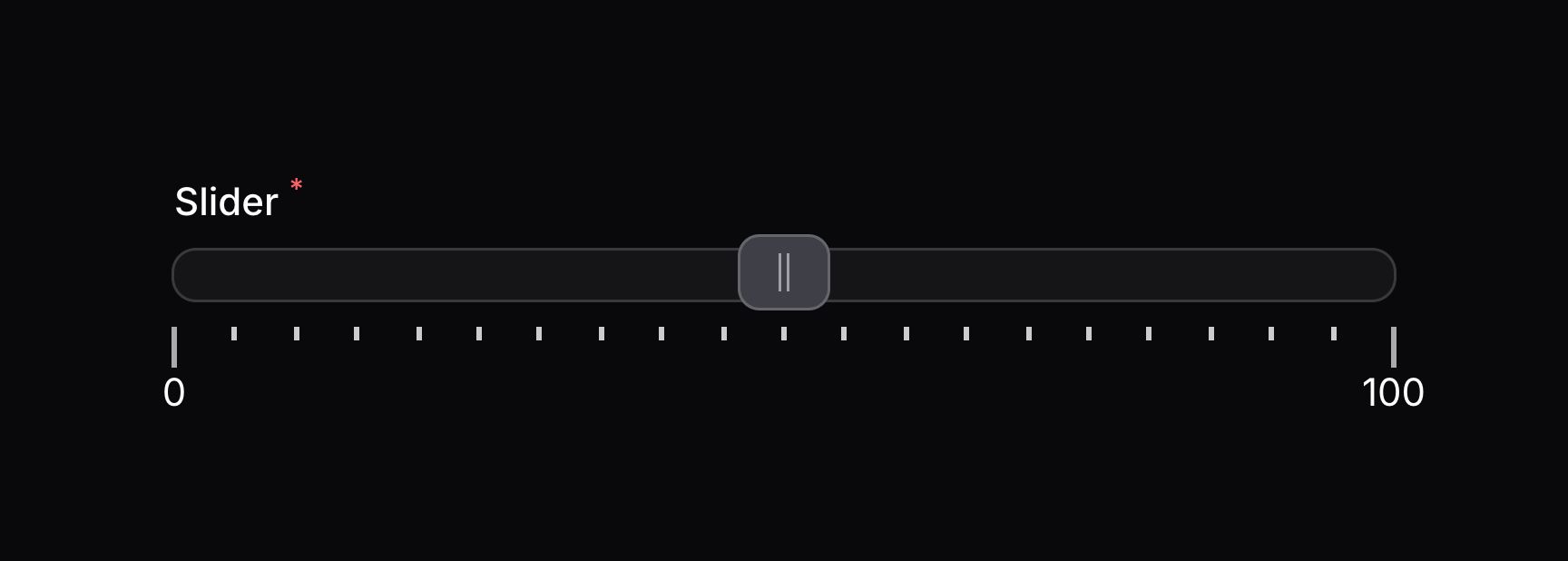
你可以添加刻度(pip)到轨道中,这是个小标记用以说明手柄的位置。使用 pips() 方法,你可以添加刻度到轨道中:
use Filament\Forms\Components\Slider;

Slider::make('slider')
    ->range(minValue: 0, maxValue: 100)
    ->pips()
当有多个手柄时,刻度仍然可用:
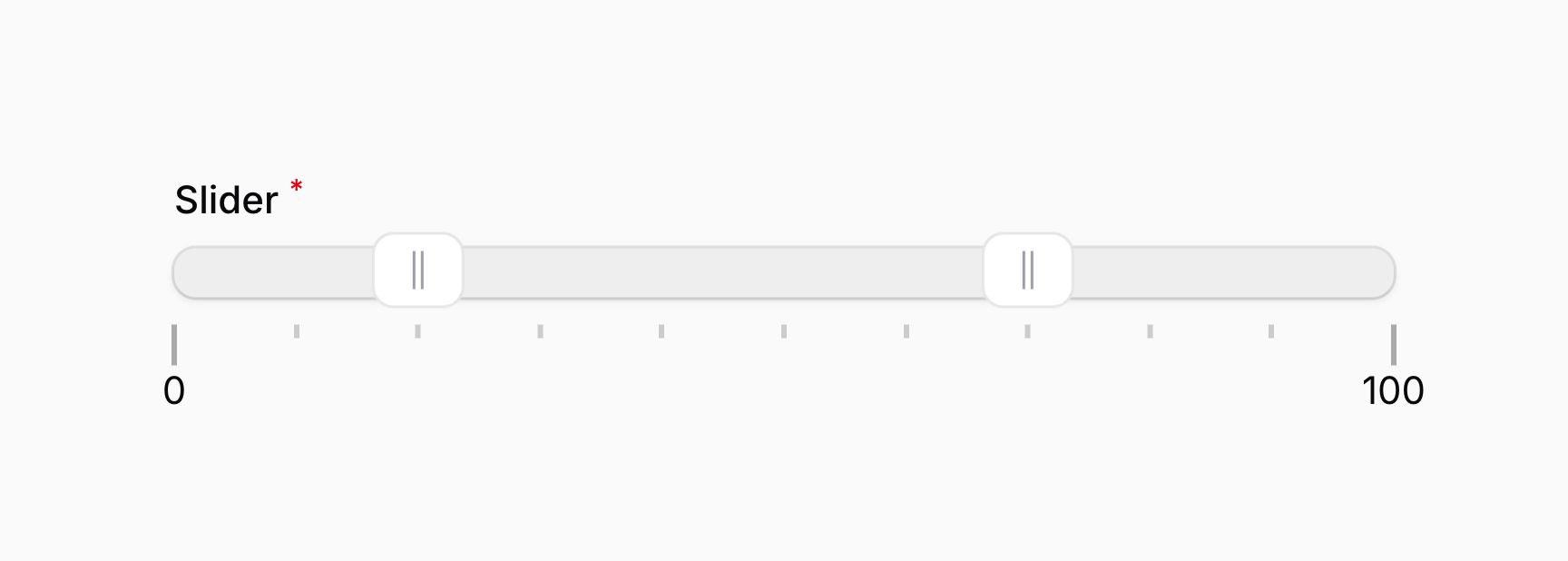
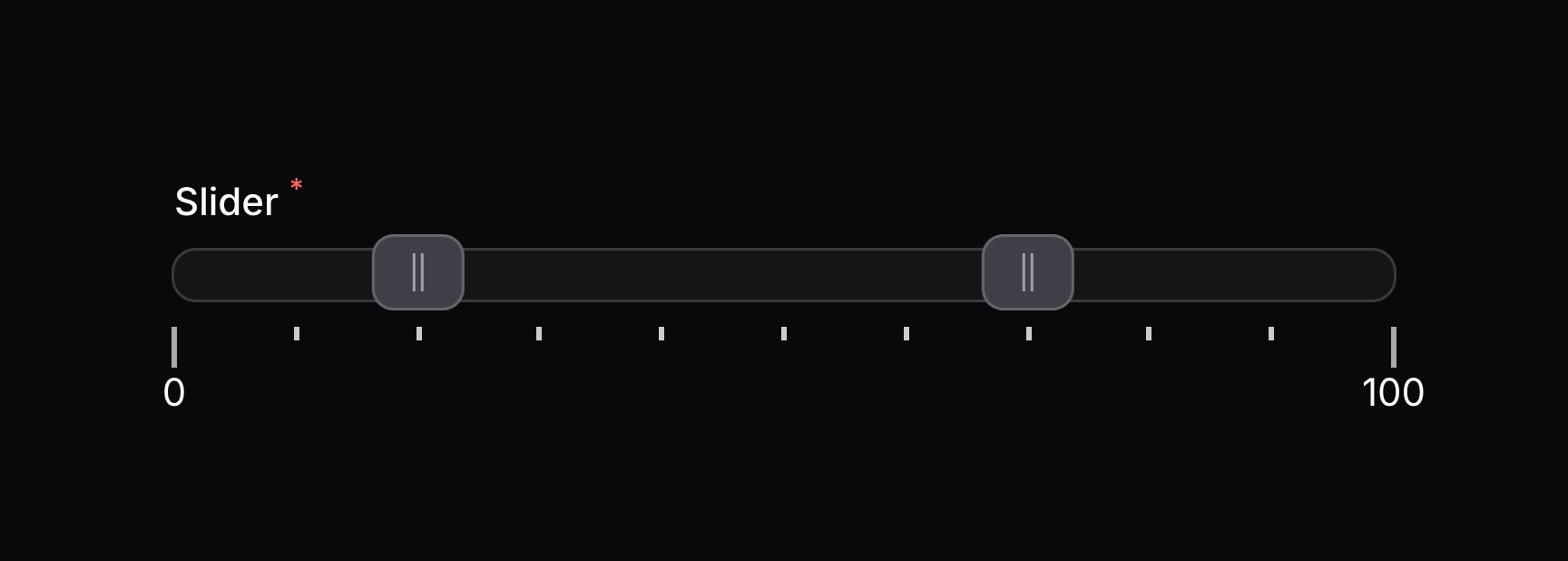
你也可用添加刻度到垂直轨道:
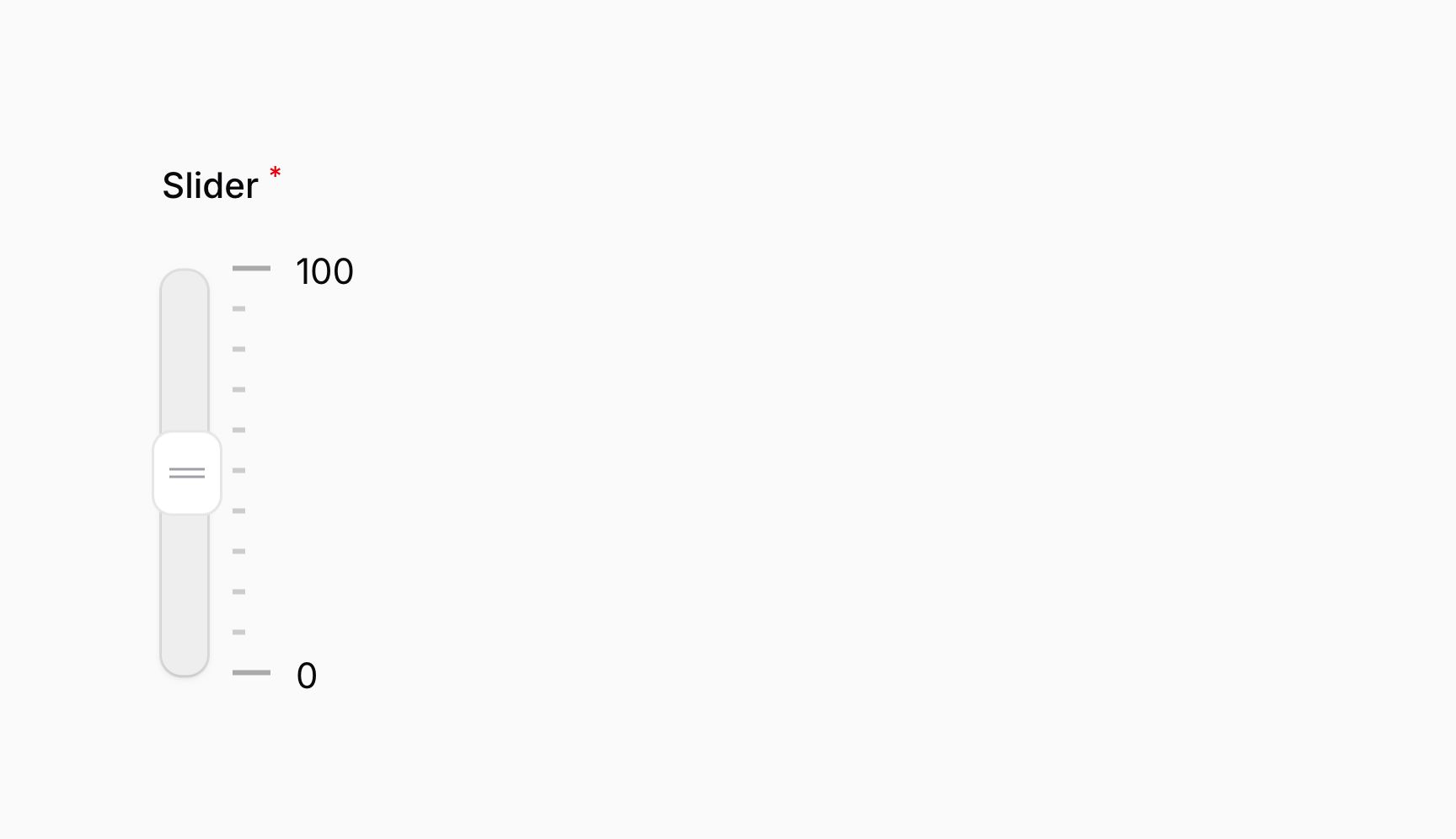
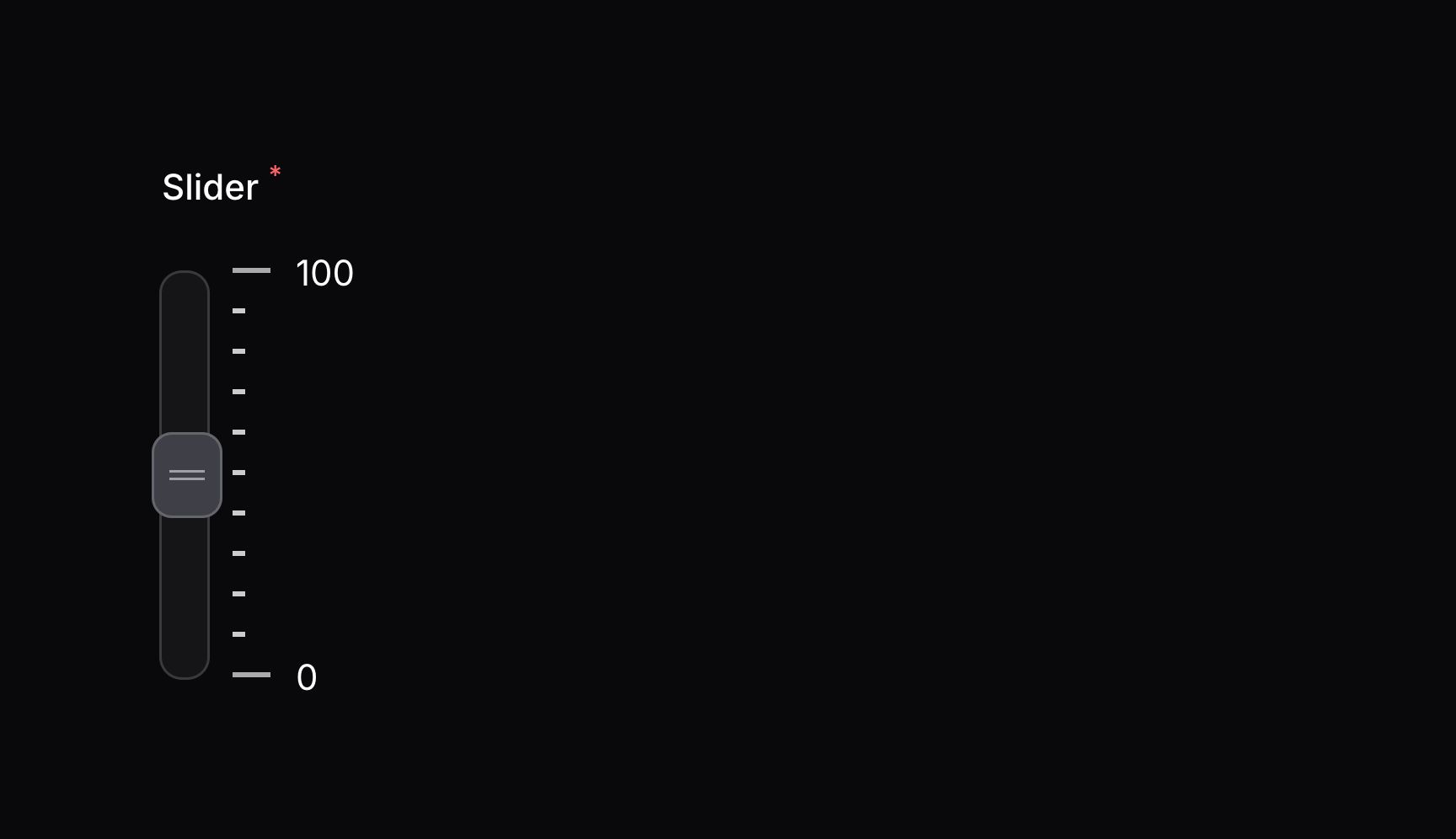
调整 pip 的密度
默认情况下,客户以密度 10 展示。这意味着,每 10 个轨道单位,会展示一个刻度。使用 pips() 方法中的 density 参数,你可用调整其密度:
use Filament\Forms\Components\Slider;

Slider::make('slider')
    ->range(minValue: 0, maxValue: 100)
    ->pips(density: 5)
除了允许静态值之外,density 参数也接受函数动态计算它的值。你可以将各种 utility 作为参数注入到函数中。
Learn more about utility injection.
| Utility | Type | Parameter | Description |
|---|---|---|---|
| Field | Filament\Forms\Components\Field | $component | The current field component instance. |
| Get function | Filament\Schemas\Components\Utilities\Get | $get | A function for retrieving values from the current form data. Validation is not run. |
| Livewire | Livewire\Component | $livewire | The Livewire component instance. |
| Eloquent model FQN | ?string<Illuminate\Database\Eloquent\Model> | $model | The Eloquent model FQN for the current schema. |
| Operation | string | $operation | The current operation being performed by the schema. Usually create, edit, or view. |
| Raw state | mixed | $rawState | The current value of the field, before state casts were applied. Validation is not run. |
| Eloquent record | ?Illuminate\Database\Eloquent\Model | $record | The Eloquent record for the current schema. |
| State | mixed | $state | The current value of the field. Validation is not run. |
自定义 pip 标签格式
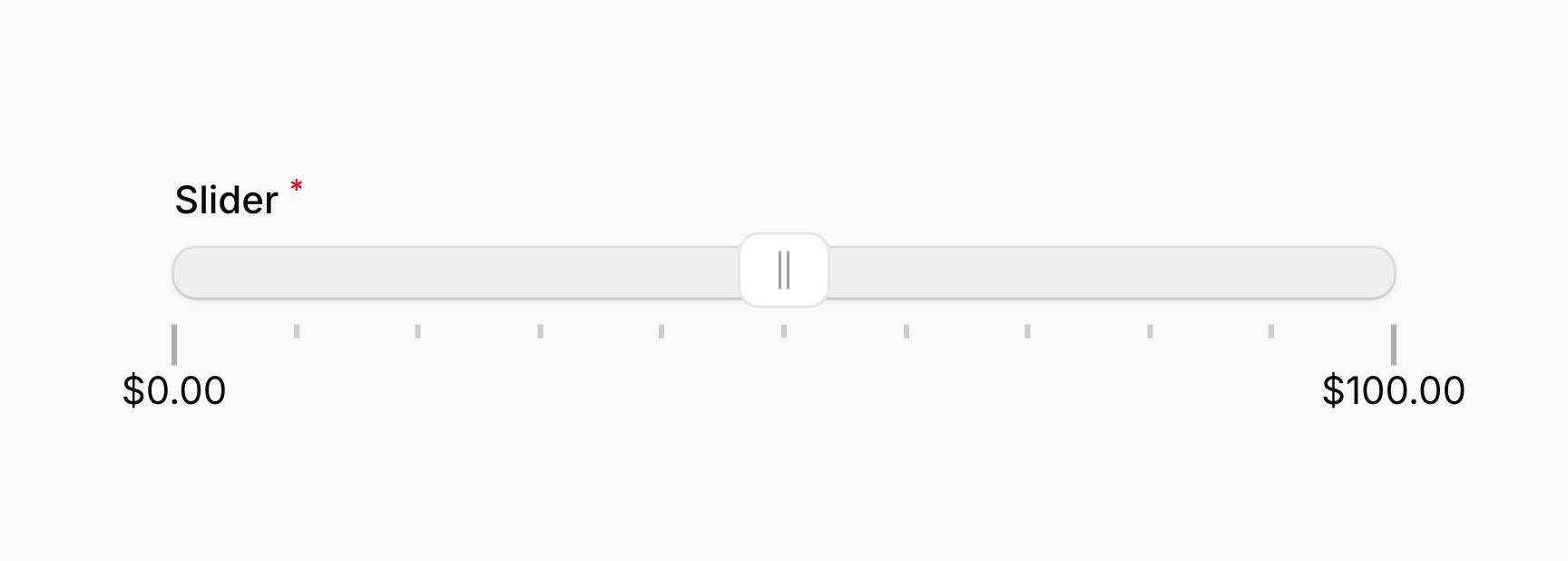
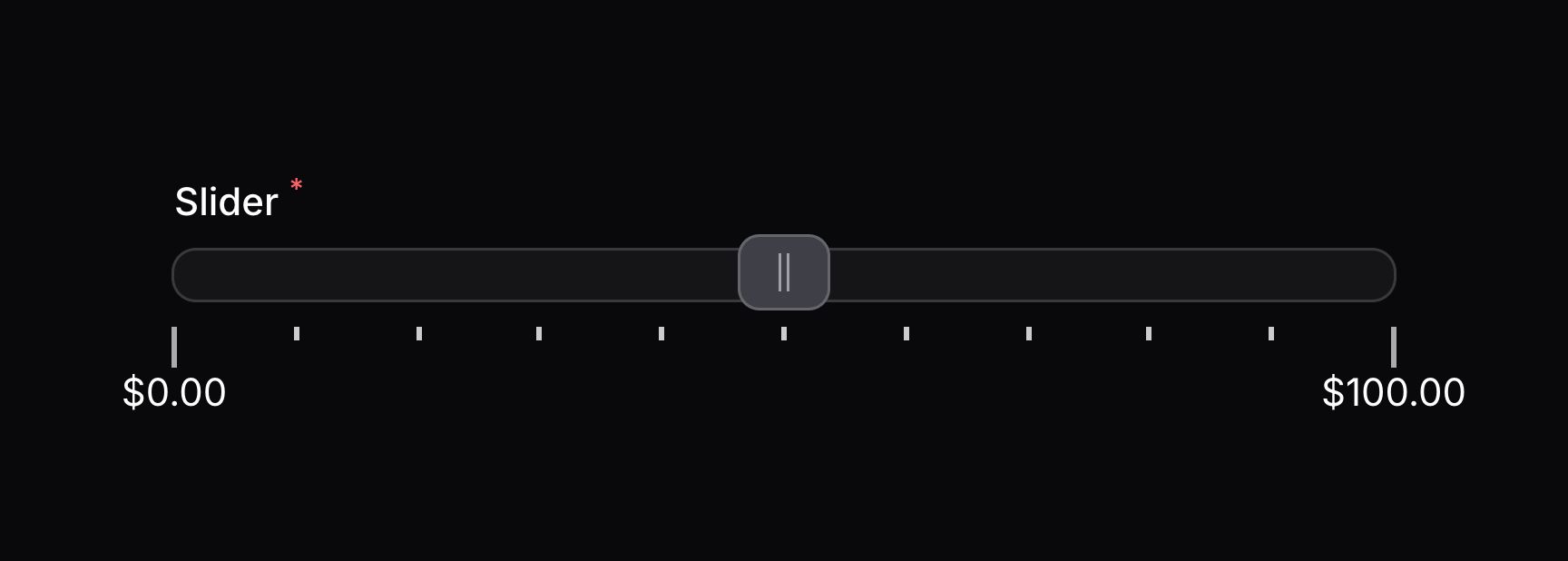
你可以使用 JavaScript 自定义 pip 标签的格式。请将一个 RawJs 对象传递给 pipsFormatter() 方法,使其包含要用到的 JavaScript 字符串表达式。要格式化的当前值可以用 $value 变量获取:
use Filament\Forms\Components\Slider;
use Filament\Support\RawJs;

Slider::make('slider')
    ->range(minValue: 0, maxValue: 100)
    ->pips()
    ->pipsFormatter(RawJs::make(<<<'JS'
        `$${$value.toFixed(2)}`
        JS))
除了允许静态值之外,pipsFormatter() 方法也接受函数来动态计算其值。你可以将各种 utility 作为参数注入到函数中。
Learn more about utility injection.
| Utility | Type | Parameter | Description |
|---|---|---|---|
| Field | Filament\Forms\Components\Field | $component | The current field component instance. |
| Get function | Filament\Schemas\Components\Utilities\Get | $get | A function for retrieving values from the current form data. Validation is not run. |
| Livewire | Livewire\Component | $livewire | The Livewire component instance. |
| Eloquent model FQN | ?string<Illuminate\Database\Eloquent\Model> | $model | The Eloquent model FQN for the current schema. |
| Operation | string | $operation | The current operation being performed by the schema. Usually create, edit, or view. |
| Raw state | mixed | $rawState | The current value of the field, before state casts were applied. Validation is not run. |
| Eloquent record | ?Illuminate\Database\Eloquent\Model | $record | The Eloquent record for the current schema. |
| State | mixed | $state | The current value of the field. Validation is not run. |
添加 pip 标签到轨道的步长中
如果你使用步长来控制轨道的移动,你可以将 pip 标签加入到每一个步长中。为此,请传递一个 PipsMode::Steps 对象到 pips() 方法中:
use Filament\Forms\Components\Slider;
use Filament\Forms\Components\Slider\Enums\PipsMode;

Slider::make('slider')
    ->range(minValue: 0, maxValue: 100)
    ->step(10)
    ->pips(PipsMode::Steps)
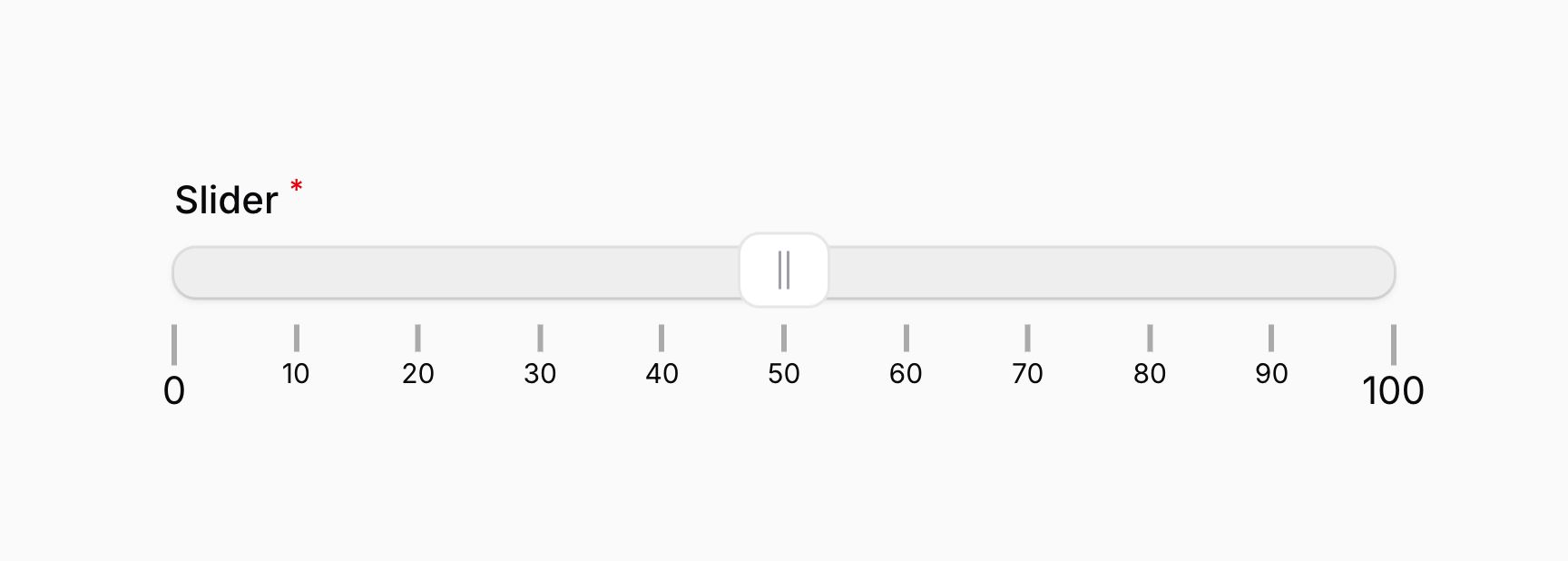
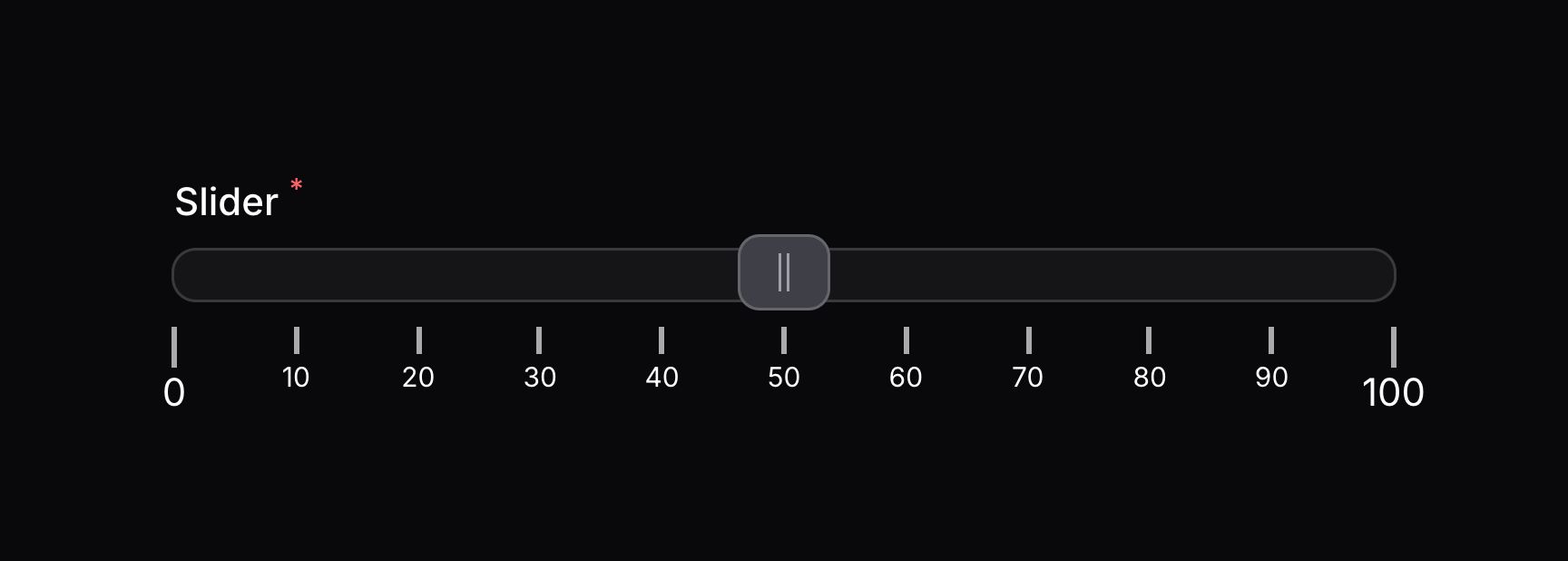
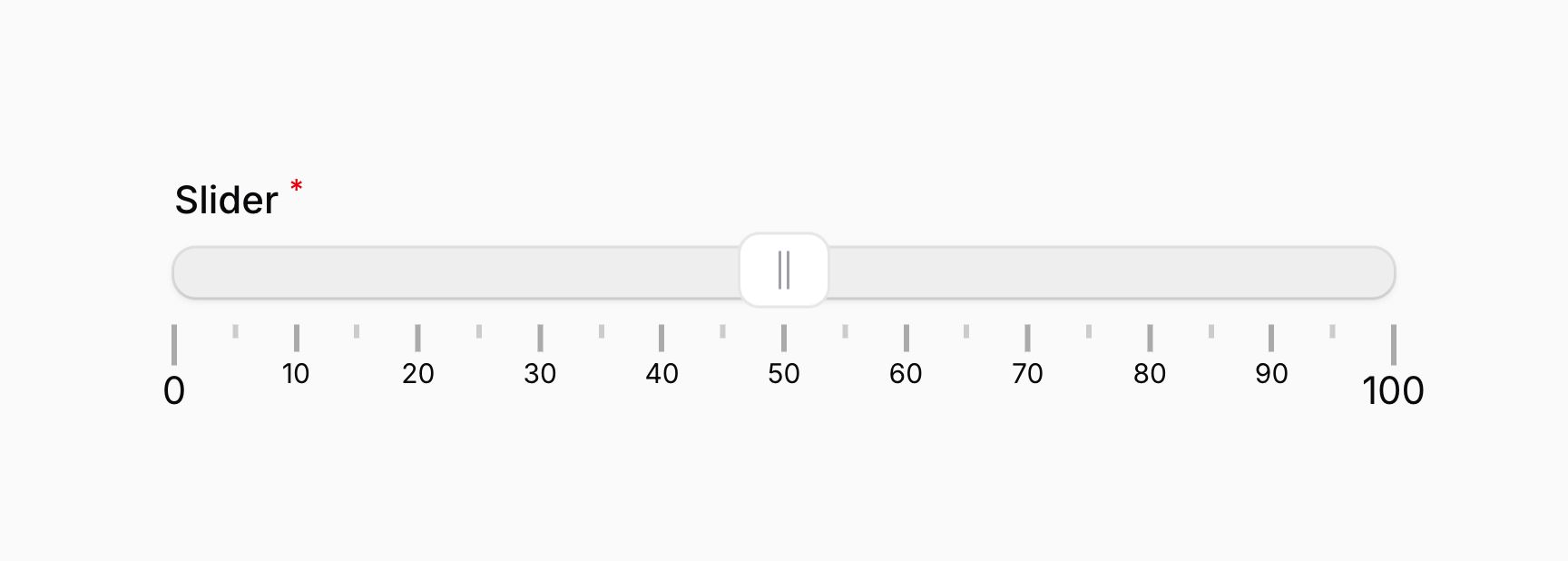
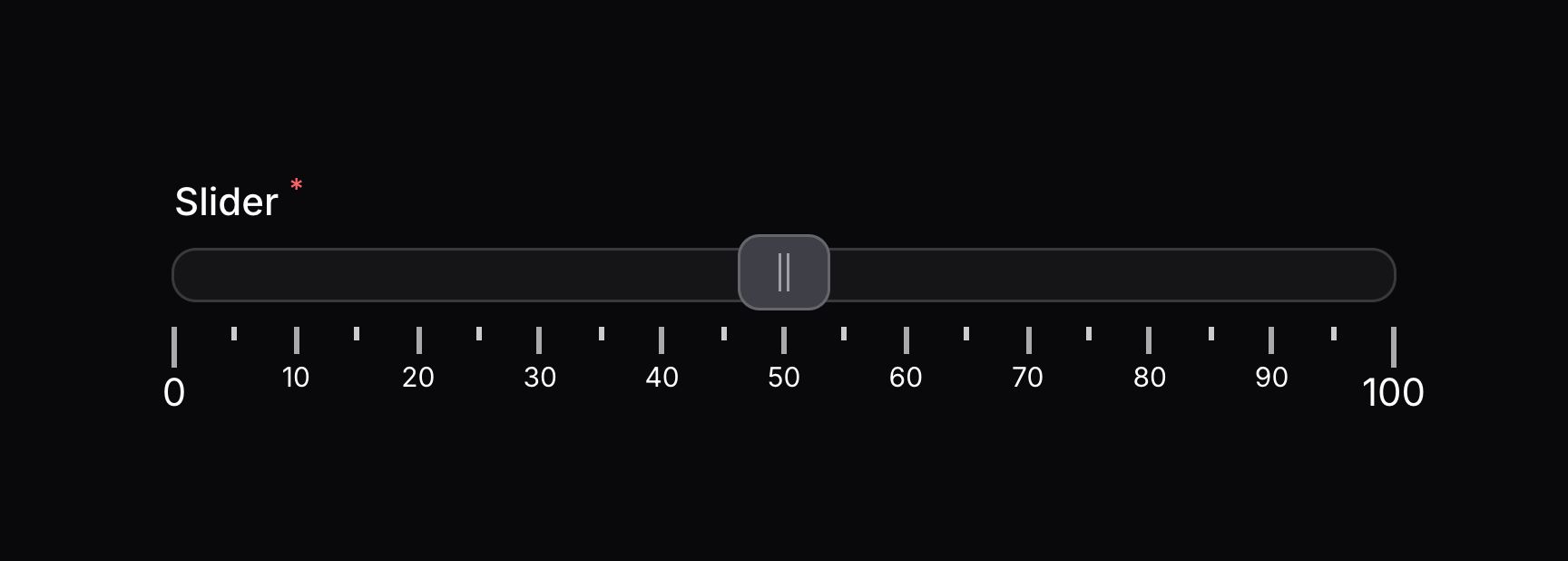
如果你想添加一些不含标签的额外刻度到轨道上,你可以同时调整 pip 的刻度:
use Filament\Forms\Components\Slider;
use Filament\Forms\Components\Slider\Enums\PipsMode;

Slider::make('slider')
    ->range(minValue: 0, maxValue: 100)
    ->step(10)
    ->pips(PipsMode::Steps, density: 5)
添加刻度标签到轨道的百分比位置
如果你想在特定的百分比位置添加刻度标签,你可以传入一个 PipsMode::Positions 对象到 pips() 方法中。该百分比位置需要以数字数组的形式在 pipsValues() 方法中定义:
use Filament\Forms\Components\Slider;
use Filament\Forms\Components\Slider\Enums\PipsMode;

Slider::make('slider')
    ->range(minValue: 0, maxValue: 100)
    ->pips(PipsMode::Positions)
    ->pipsValues([0, 25, 50, 75, 100])
除了允许静态值之外,pipsValues() 方法也接受函数来动态计算它们的值。你可以将各种 utility 作为参数注入到函数中。
Learn more about utility injection.
| Utility | Type | Parameter | Description |
|---|---|---|---|
| Field | Filament\Forms\Components\Field | $component | The current field component instance. |
| Get function | Filament\Schemas\Components\Utilities\Get | $get | A function for retrieving values from the current form data. Validation is not run. |
| Livewire | Livewire\Component | $livewire | The Livewire component instance. |
| Eloquent model FQN | ?string<Illuminate\Database\Eloquent\Model> | $model | The Eloquent model FQN for the current schema. |
| Operation | string | $operation | The current operation being performed by the schema. Usually create, edit, or view. |
| Raw state | mixed | $rawState | The current value of the field, before state casts were applied. Validation is not run. |
| Eloquent record | ?Illuminate\Database\Eloquent\Model | $record | The Eloquent record for the current schema. |
| State | mixed | $state | The current value of the field. Validation is not run. |
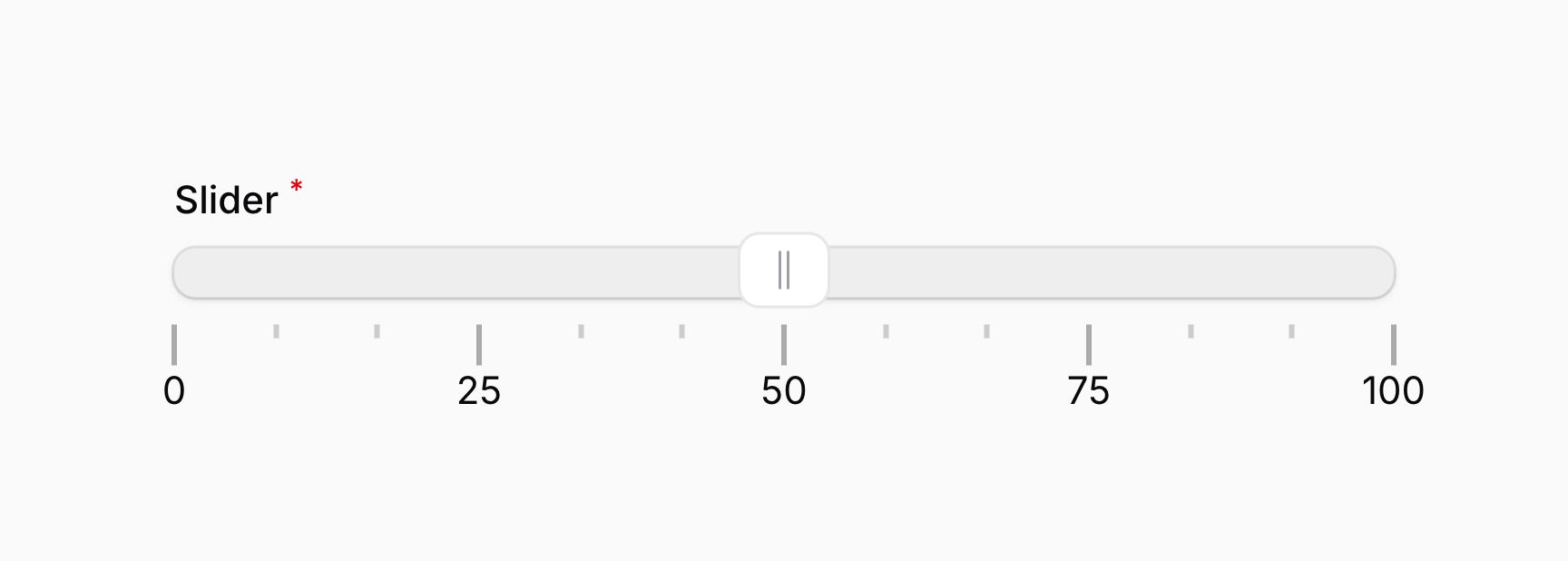
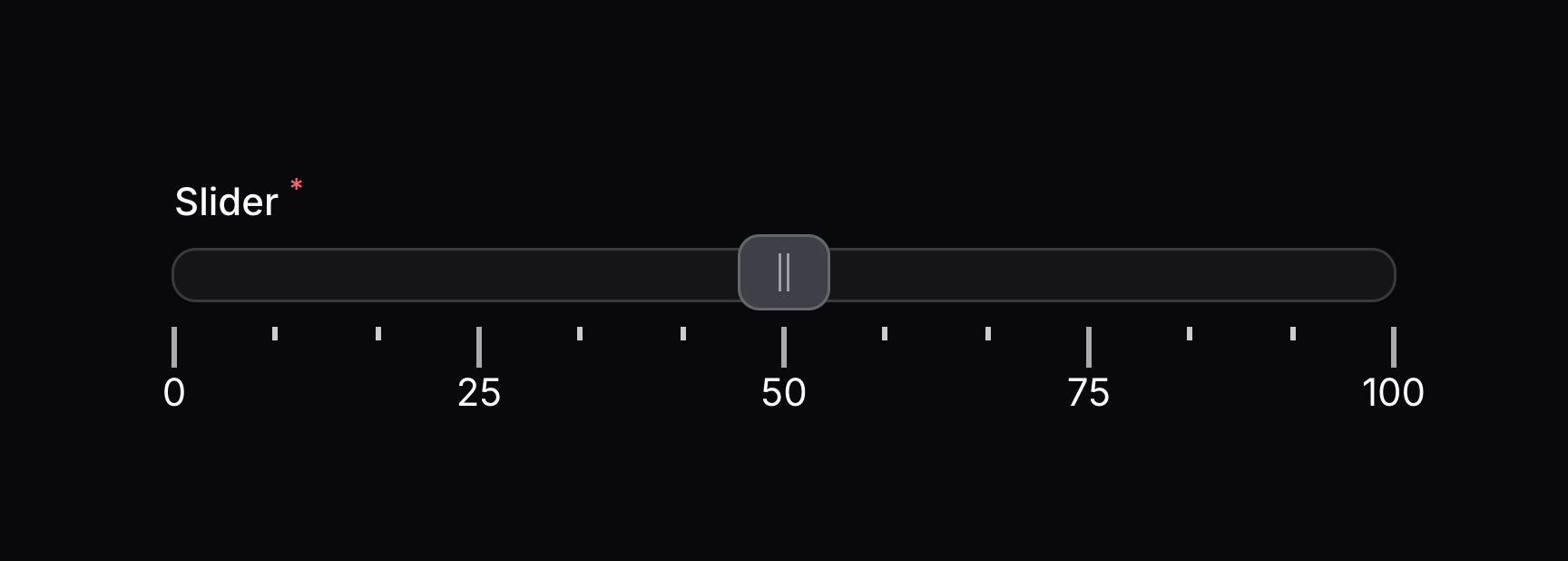
即使没有标签,密度仍然控制着刻度的距离。
添加一定数量的标签到轨道中
如果你想添加一定数量的标签到轨道中,你可以传入一个 PipsMode::Count 对象到 pips() 方法中。刻度值需要在 pipsValues() 方法中定义:
use Filament\Forms\Components\Slider;
use Filament\Forms\Components\Slider\Enums\PipsMode;

Slider::make('slider')
    ->range(minValue: 0, maxValue: 100)
    ->pips(PipsMode::Count)
    ->pipsValues(5)
除了允许静态值之外,pipsValues() 方法也接受函数来动态计算它们的值。你可以将各种 utility 作为参数注入到函数中。
Learn more about utility injection.
| Utility | Type | Parameter | Description |
|---|---|---|---|
| Field | Filament\Forms\Components\Field | $component | The current field component instance. |
| Get function | Filament\Schemas\Components\Utilities\Get | $get | A function for retrieving values from the current form data. Validation is not run. |
| Livewire | Livewire\Component | $livewire | The Livewire component instance. |
| Eloquent model FQN | ?string<Illuminate\Database\Eloquent\Model> | $model | The Eloquent model FQN for the current schema. |
| Operation | string | $operation | The current operation being performed by the schema. Usually create, edit, or view. |
| Raw state | mixed | $rawState | The current value of the field, before state casts were applied. Validation is not run. |
| Eloquent record | ?Illuminate\Database\Eloquent\Model | $record | The Eloquent record for the current schema. |
| State | mixed | $state | The current value of the field. Validation is not run. |
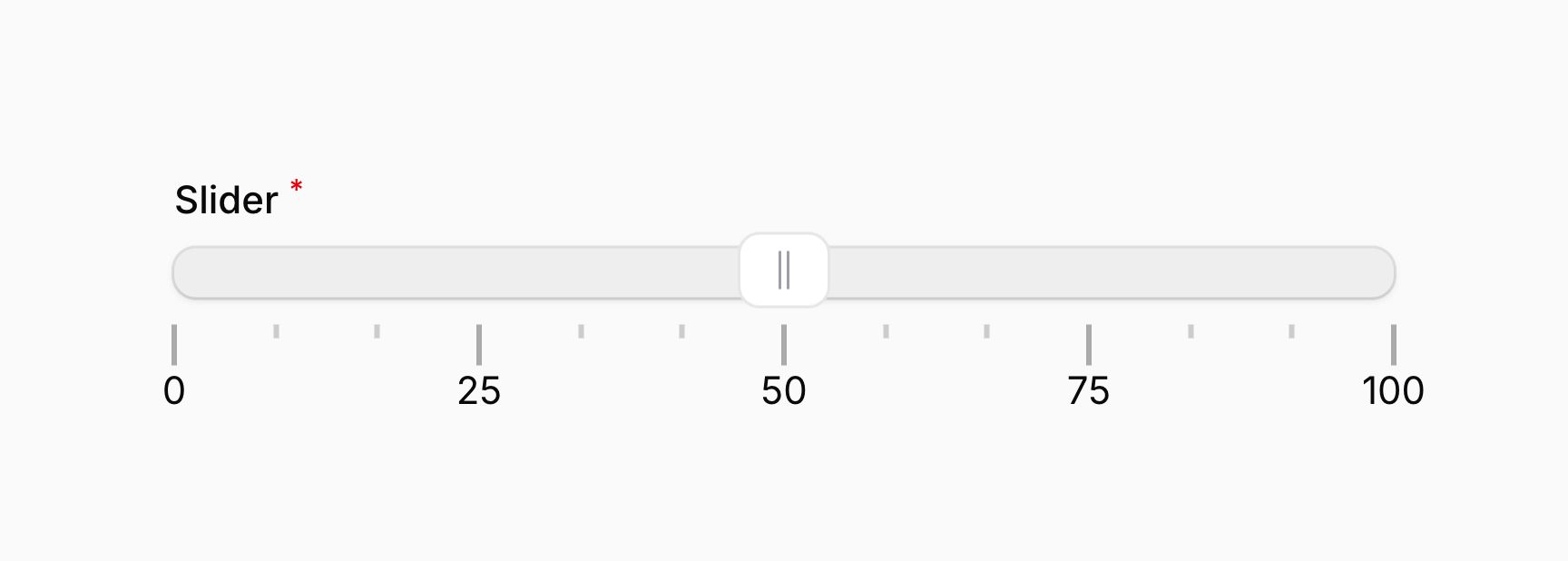
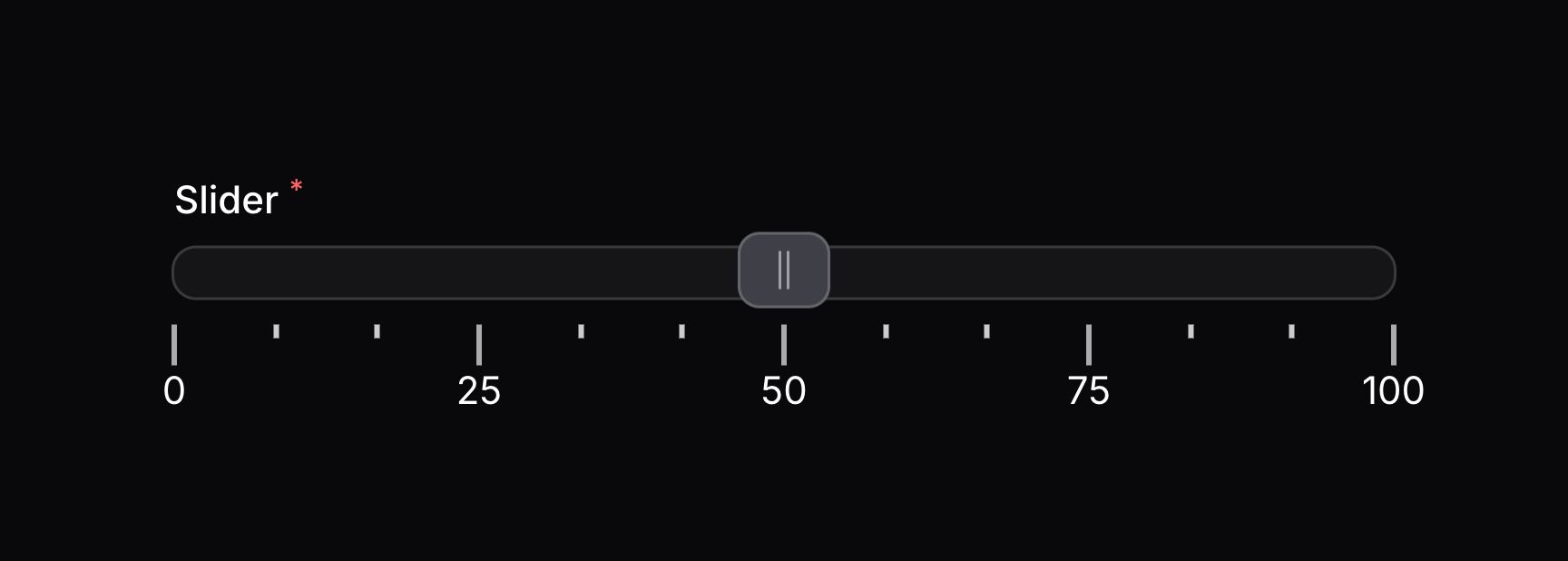
即使没有标签,密度仍然控制着刻度的距离。
添加刻度标签以设置轨道上的值
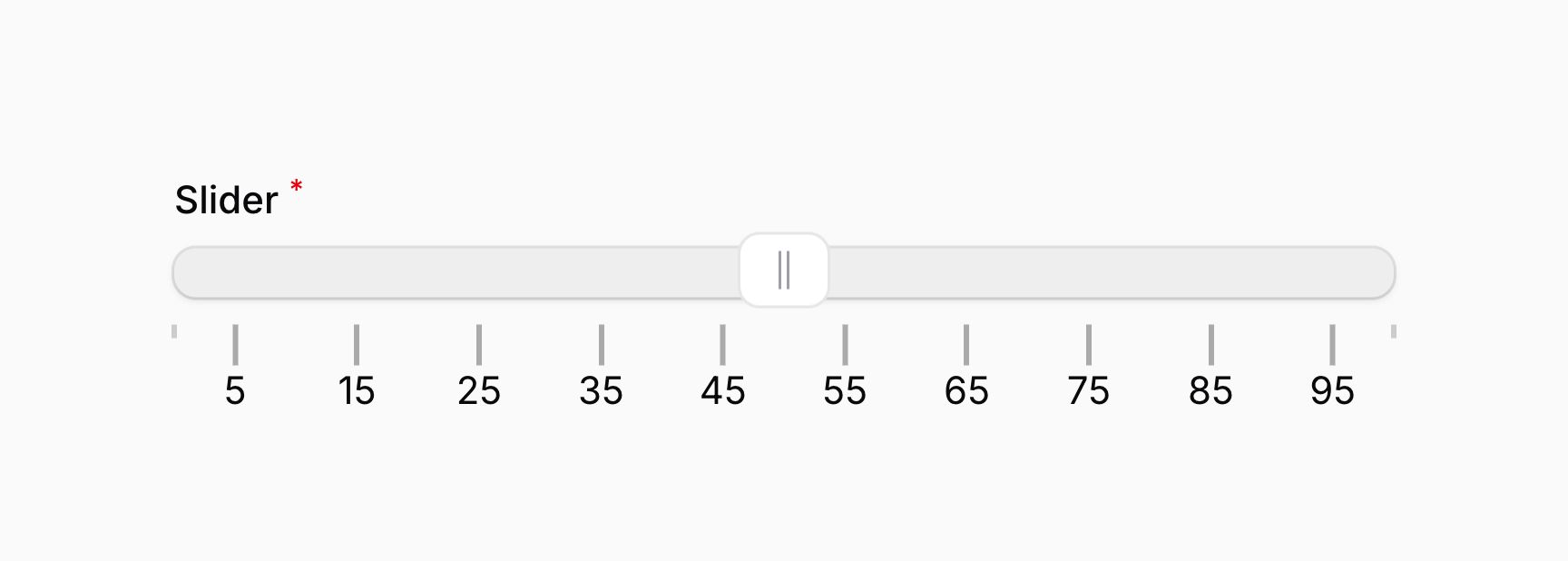
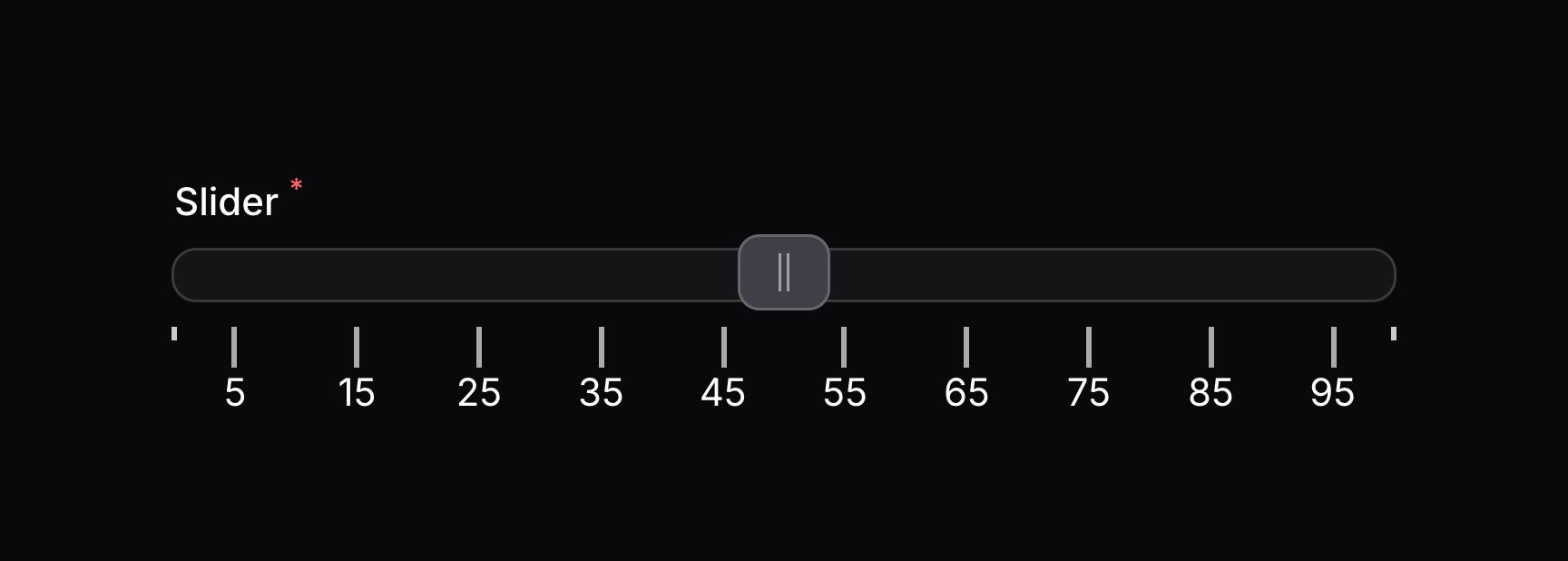
除了定义百分比位置或者一定数量的刻度标签之外,你也可以定义一套要用在标签上的数值。为此,请传入 PipsMode::Values 对象到 pips() 方法中。该值需要以数值数组的方式在 pipsValues() 方法中进行定义:
use Filament\Forms\Components\Slider;
use Filament\Forms\Components\Slider\Enums\PipsMode;

Slider::make('slider')
    ->range(minValue: 0, maxValue: 100)
    ->pips(PipsMode::Values)
    ->pipsValues([5, 15, 25, 35, 45, 55, 65, 75, 85, 95])
除了允许静态值之外,pipsValues() 方法也接受函数来动态计算它们的值。你可以将各种 utility 作为参数注入到函数中。
Learn more about utility injection.
| Utility | Type | Parameter | Description |
|---|---|---|---|
| Field | Filament\Forms\Components\Field | $component | The current field component instance. |
| Get function | Filament\Schemas\Components\Utilities\Get | $get | A function for retrieving values from the current form data. Validation is not run. |
| Livewire | Livewire\Component | $livewire | The Livewire component instance. |
| Eloquent model FQN | ?string<Illuminate\Database\Eloquent\Model> | $model | The Eloquent model FQN for the current schema. |
| Operation | string | $operation | The current operation being performed by the schema. Usually create, edit, or view. |
| Raw state | mixed | $rawState | The current value of the field, before state casts were applied. Validation is not run. |
| Eloquent record | ?Illuminate\Database\Eloquent\Model | $record | The Eloquent record for the current schema. |
| State | mixed | $state | The current value of the field. Validation is not run. |
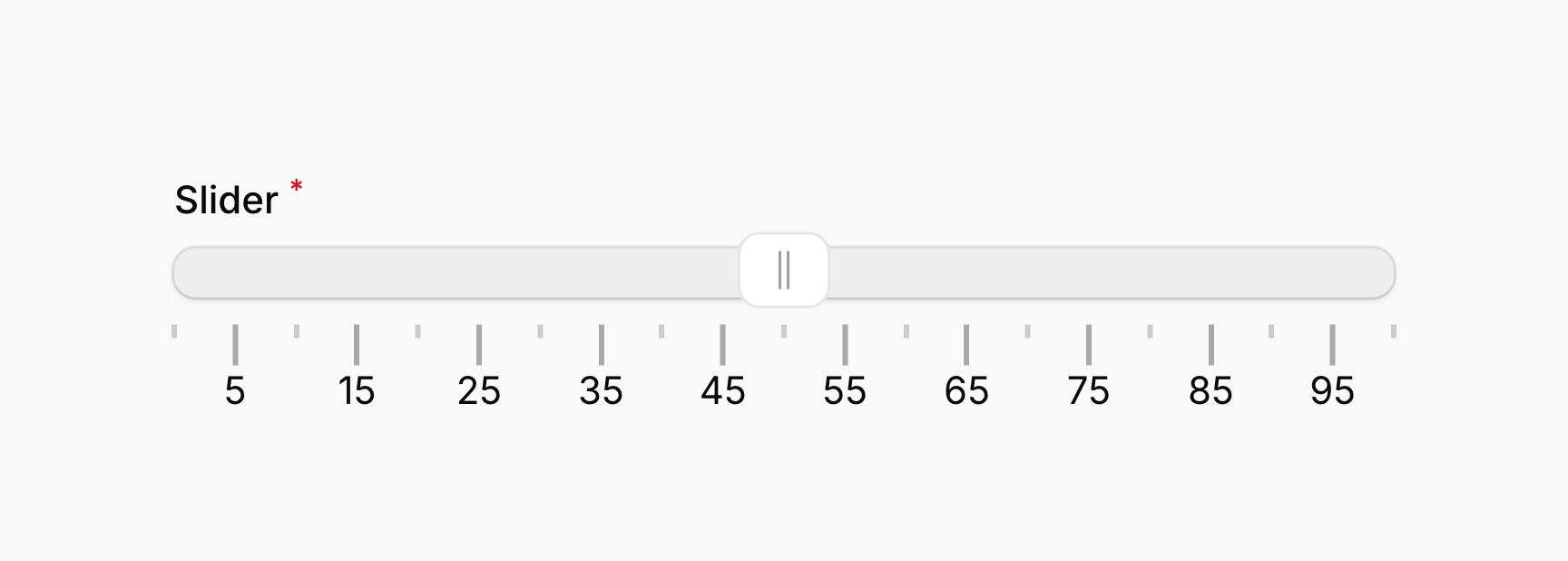
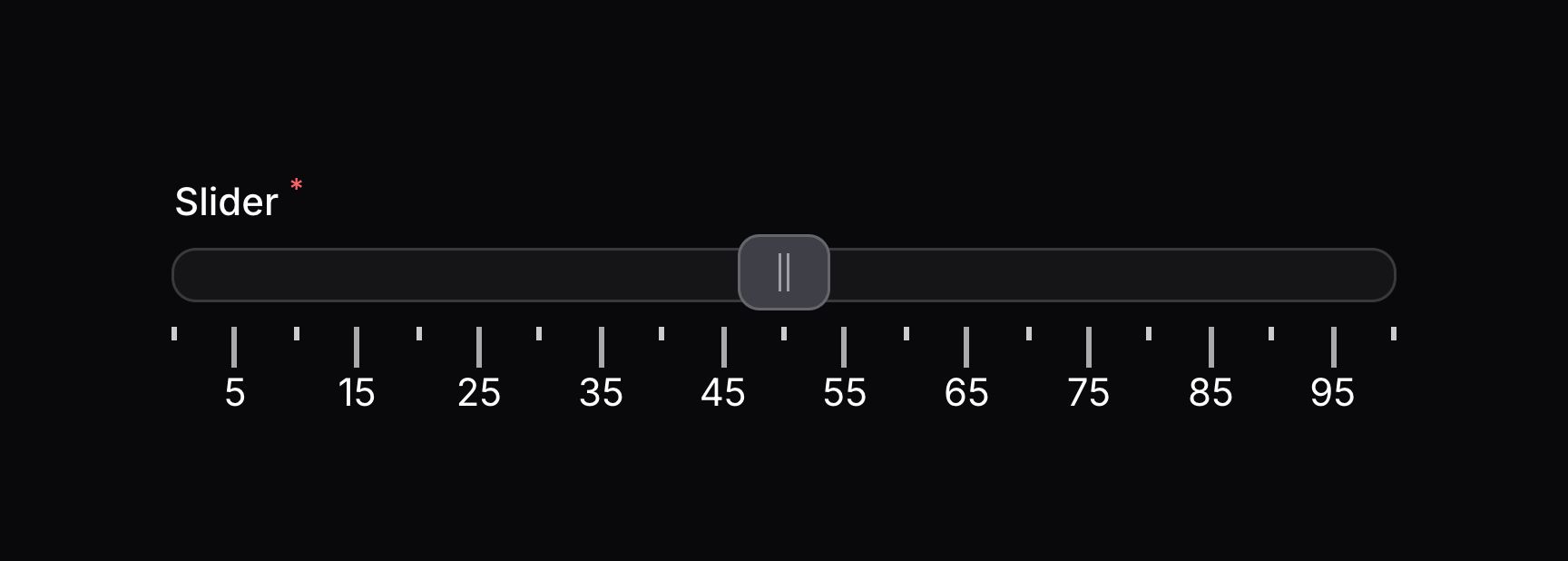
即使没有标签,密度仍然控制着刻度的空间。
use Filament\Forms\Components\Slider;
use Filament\Forms\Components\Slider\Enums\PipsMode;

Slider::make('slider')
    ->range(minValue: 0, maxValue: 100)
    ->pips(PipsMode::Values, density: 5)
    ->pipsValues([5, 15, 25, 35, 45, 55, 65, 75, 85, 95])
手动过滤刻度
要想对轨道上如何显示刻度有更多的控制,你可以使用 JavaScript 表达式。Javascript 表达式应该返回基于刻度外观的不同数字:
- 如果要显示较大的刻度标签,表达式应该返回
1。 - 如果要显示小的刻度标签,表达式应该返回
2。 - 如果刻度不显示标签,表达式应该返回
0。 - 如果刻度压根不该显示,表达式应该返回
-1。
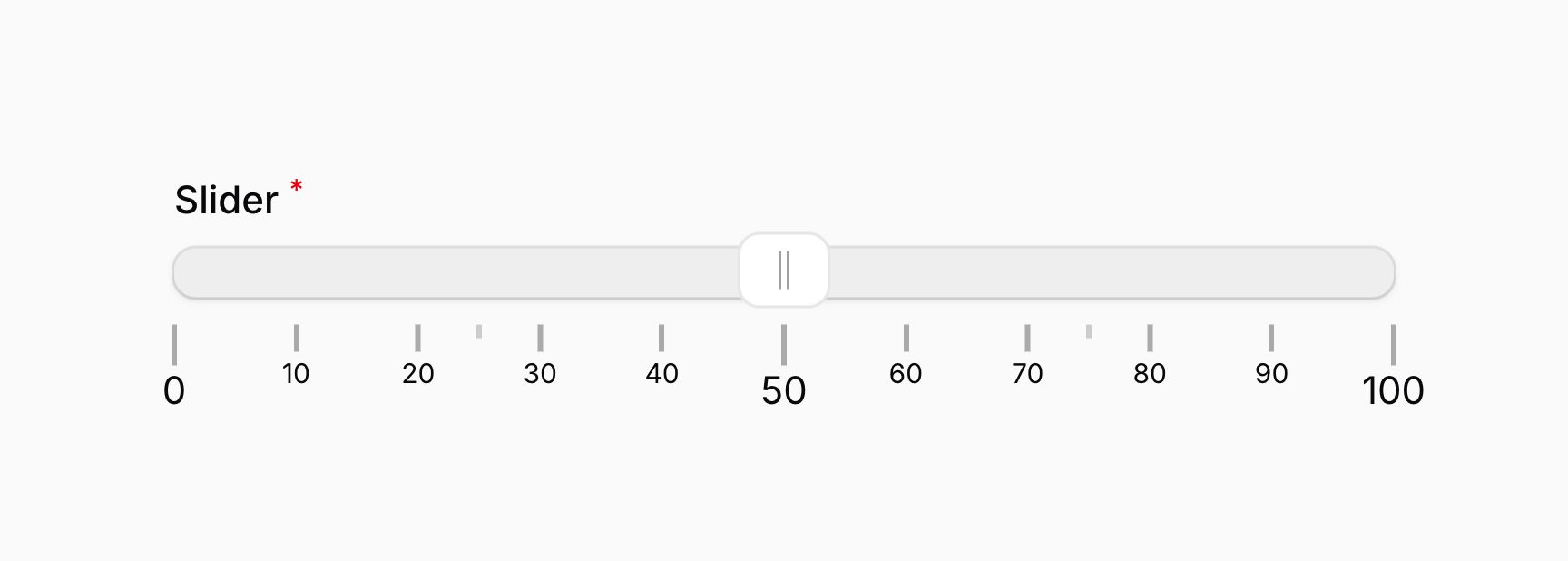
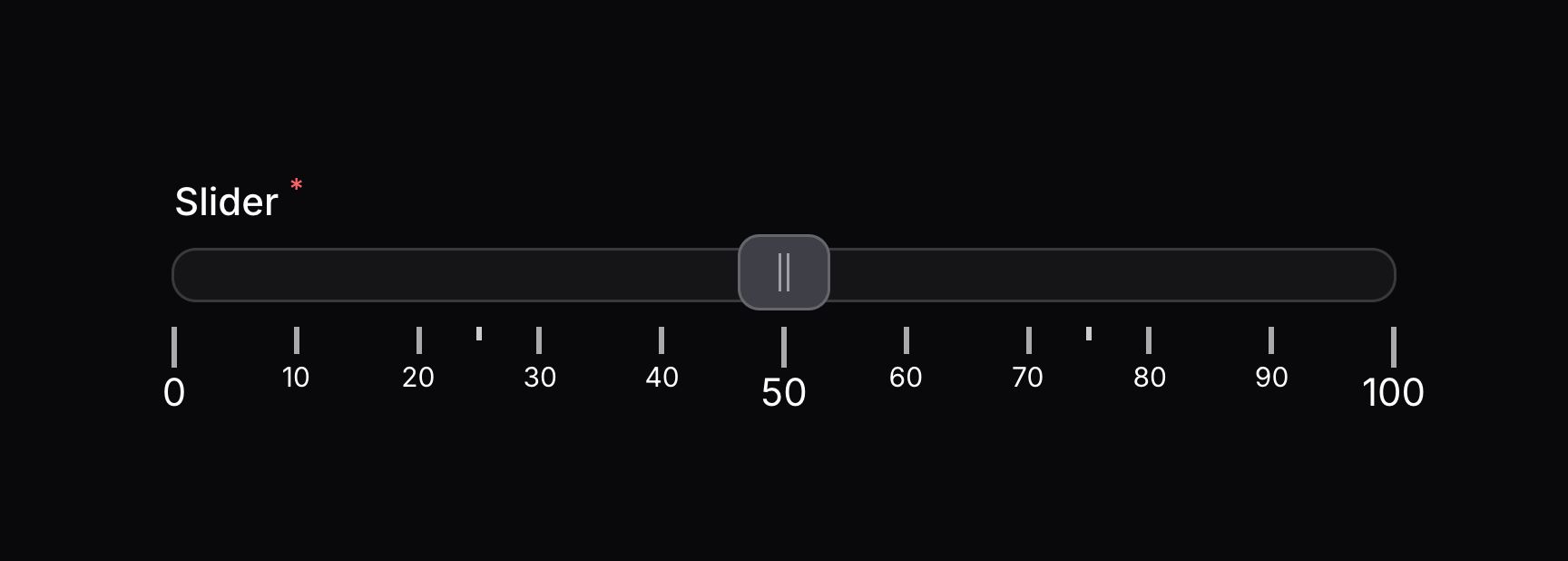
密度将会控制哪些数组会传入到 JavaScript 表达式。表达式应该使用 $value 变量来访问当前刻度值。表达式在 RawJs 对象中进行定义,并且应该传给 pipsFilter() 方法:
use Filament\Forms\Components\Slider;
use Filament\Support\RawJs;

Slider::make('slider')
    ->range(minValue: 0, maxValue: 100)
    ->pips(density: 5)
    ->pipsFilter(RawJs::make(<<<'JS'
        ($value % 50) === 0
            ? 1
            : ($value % 10) === 0
                ? 2
                : ($value % 25) === 0
                    ? 0
                    : -1
        JS))
除了允许静态值之外,pipsFilter() 方法也接受函数来动态计算其值。你可以将各种 utility 作为参数注入到函数中。
Learn more about utility injection.
| Utility | Type | Parameter | Description |
|---|---|---|---|
| Field | Filament\Forms\Components\Field | $component | The current field component instance. |
| Get function | Filament\Schemas\Components\Utilities\Get | $get | A function for retrieving values from the current form data. Validation is not run. |
| Livewire | Livewire\Component | $livewire | The Livewire component instance. |
| Eloquent model FQN | ?string<Illuminate\Database\Eloquent\Model> | $model | The Eloquent model FQN for the current schema. |
| Operation | string | $operation | The current operation being performed by the schema. Usually create, edit, or view. |
| Raw state | mixed | $rawState | The current value of the field, before state casts were applied. Validation is not run. |
| Eloquent record | ?Illuminate\Database\Eloquent\Model | $record | The Eloquent record for the current schema. |
| State | mixed | $state | The current value of the field. Validation is not run. |
本例中,% 操作符用于确定 pip 值的可除性。该表达式将会每 50 个单位返回 1,每 10 个单位返回 2,每 25 单位返回 0,而其他值返回 -1:
设置手柄之间的最小差异
要设置手柄之间的最小差异,你可以使用 minDifference() 方法,并传入一个数字给它。该数字表示两个手柄之间的真实差异值,而非可视化距离:
use Filament\Forms\Components\Slider;

Slider::make('slider')
    ->range(minValue: 0, maxValue: 100)
    ->minDifference(10)
除了允许静态值之外,minDifference() 方法也接受函数来动态计算其值。你可以将各种 utility 作为参数注入到函数中。
Learn more about utility injection.
| Utility | Type | Parameter | Description |
|---|---|---|---|
| Field | Filament\Forms\Components\Field | $component | The current field component instance. |
| Get function | Filament\Schemas\Components\Utilities\Get | $get | A function for retrieving values from the current form data. Validation is not run. |
| Livewire | Livewire\Component | $livewire | The Livewire component instance. |
| Eloquent model FQN | ?string<Illuminate\Database\Eloquent\Model> | $model | The Eloquent model FQN for the current schema. |
| Operation | string | $operation | The current operation being performed by the schema. Usually create, edit, or view. |
| Raw state | mixed | $rawState | The current value of the field, before state casts were applied. Validation is not run. |
| Eloquent record | ?Illuminate\Database\Eloquent\Model | $record | The Eloquent record for the current schema. |
| State | mixed | $state | The current value of the field. Validation is not run. |
NOTE
minDifference() 方法不会影响滑块的验证。技术娴熟的用户可以使用 JavaScript 来操控滑块值,以选择一个不符合最大差异的值。不过,选择滑块之外的值仍然会被阻止。
设置手柄之间的最大差异
要设置手柄之间的最大差异,你可以使用 maxDifference() 方法,并传入一个数字给它。该数字表示两个手柄之间的真实差异值,而非可视化距离:
use Filament\Forms\Components\Slider;

Slider::make('slider')
    ->range(minValue: 0, maxValue: 100)
    ->maxDifference(40)
除了允许静态值之外,maxDifference() 方法也接受函数来动态计算其值。你可以将各种 utility 作为参数注入到函数中。
Learn more about utility injection.
| Utility | Type | Parameter | Description |
|---|---|---|---|
| Field | Filament\Forms\Components\Field | $component | The current field component instance. |
| Get function | Filament\Schemas\Components\Utilities\Get | $get | A function for retrieving values from the current form data. Validation is not run. |
| Livewire | Livewire\Component | $livewire | The Livewire component instance. |
| Eloquent model FQN | ?string<Illuminate\Database\Eloquent\Model> | $model | The Eloquent model FQN for the current schema. |
| Operation | string | $operation | The current operation being performed by the schema. Usually create, edit, or view. |
| Raw state | mixed | $rawState | The current value of the field, before state casts were applied. Validation is not run. |
| Eloquent record | ?Illuminate\Database\Eloquent\Model | $record | The Eloquent record for the current schema. |
| State | mixed | $state | The current value of the field. Validation is not run. |
NOTE
maxDifference() 方法不会影响滑块的验证。技术娴熟的用户可以使用 JavaScript 来操控滑块值,以选择一个不符合最大差异的值。不过,选择滑块之外的值仍然会被阻止。
控制滑块的常规行为
滑块的 behavior() 方法允许你传递一个或多个 Behavior 对象来控制滑块的行为。可用选项包括:
Behavior::Tap- 当用户点击轨道时,滑块将平滑地移动到点击位置。这是默认行为,因此在应用其他行为时,如果要保留此行为,也应将此行为包含在数组中。Behavior::Drag- 当轨道上有两个手柄时,用户可以拖动轨道来同时移动两个手柄。必须使用fillTrack([false, true, false])方法来确保用户有可拖动的内容。Behavior::Drag和Behavior::Fixed- 当轨道上有两个手柄时,用户可以拖动轨道同时移动两个手柄,但无法改变它们之间的距离。必须使用fillTrack([false, true, false])方法来确保用户有可拖动的对象。请注意,后端不会自动验证手柄之间的距离,因此熟练的用户可以使用 JavaScript 操纵滑块的值,选择具有不同距离的值。但他们仍然无法选择滑块范围之外的值。Behavior::Unconstrained- 当轨道上有多个手柄时,它们可以相互拖动。minDifference()和maxDifference()方法不适用于此行为。Behavior::SmoothSteps- 当拖动手柄时,它不会捕捉到轨道的步长。用户释放手柄后,它将捕捉到最近的步长。
例如,要同时使用 Behavior::Tap、Behavior::Drag 和 Behavior::SmoothSteps:
use Filament\Forms\Components\Slider;
use Filament\Forms\Components\Slider\Enums\Behavior;

Slider::make('slider')
    ->range(minValue: 0, maxValue: 100)
    ->behavior([Behavior::Tap, Behavior::Drag, Behavior::SmoothSteps])
要禁用所有行为,包括默认的 Behavior::Tap,你可以使用 behavior(null) 方法:
use Filament\Forms\Components\Slider;

Slider::make('slider')
    ->range(minValue: 0, maxValue: 100)
    ->behavior(null)
非线性轨道
你可以通过在滑块的 nonLinearPoints() 方法中定义一个百分比点数组来创建非线性轨道,其中轨道的某些部分会被压缩或扩展。数组中的每个百分比键都应该有一个对应的实数值,该值将用于计算滑块在轨道上的位置。以下示例以 pips 为例,演示了轨道的非线性行为:
use Filament\Forms\Components\Slider;

Slider::make('slider')
    ->range(minValue: 0, maxValue: 100)
    ->nonLinearPoints(['20%' => 50, '50%' => 75])
    ->pips()
除了允许静态值之外,nonLinearPoints() 方法也接受函数来动态计算它们的值。你可以将各种 utility 作为参数注入到函数中。
Learn more about utility injection.
| Utility | Type | Parameter | Description |
|---|---|---|---|
| Field | Filament\Forms\Components\Field | $component | The current field component instance. |
| Get function | Filament\Schemas\Components\Utilities\Get | $get | A function for retrieving values from the current form data. Validation is not run. |
| Livewire | Livewire\Component | $livewire | The Livewire component instance. |
| Eloquent model FQN | ?string<Illuminate\Database\Eloquent\Model> | $model | The Eloquent model FQN for the current schema. |
| Operation | string | $operation | The current operation being performed by the schema. Usually create, edit, or view. |
| Raw state | mixed | $rawState | The current value of the field, before state casts were applied. Validation is not run. |
| Eloquent record | ?Illuminate\Database\Eloquent\Model | $record | The Eloquent record for the current schema. |
| State | mixed | $state | The current value of the field. Validation is not run. |
使用非线性轨道时,你可以控制每个区域的步进值。通过为每个百分点定义一个包含两个数字的数组,其中,第一个数字用作百分比位置的真实值,第二个数字用作该区域的步进值:
use Filament\Forms\Components\Slider;

Slider::make('slider')
    ->range(minValue: 0, maxValue: 100)
    ->nonLinearPoints(['20%' => [50, 5], '50%' => [75, 1]])
    ->pips()
NOTE
使用非线性轨道时,特定轨道区域内的步进值不会影响滑块的验证。技术娴熟的用户可以使用 JavaScript 来操控滑块的值,以选择一个与轨道步进值不一致的值。不过,选择滑块之外的值仍然会被阻止。
非线性轨道中使用刻度时,你需要确保刻度标签四舍五入,并且只在轨道的可选区域中显示。否则,轨道的非线性部分的步长可以添加标签到非可选位置中。为此,请使用 steppedPips() 方法:
use Filament\Forms\Components\Slider;
use Filament\Forms\Components\Slider\Enums\PipsMode;

Slider::make('slider')
    ->range(minValue: 0, maxValue: 10000)
    ->nonLinearPoints(['10%' => [500, 500], '50%' => [4000, 1000]])
    ->pips(PipsMode::Positions, density: 4)
    ->pipsValues([0, 25, 50, 75, 100])
    ->steppedPips()
Still need help? Join our Discord community or open a GitHub discussion